1
Using your UV-Visible Spectroscopy System
Controlling your Sipper System
5
Controlling your Sipper System
A sipper system transfers your sample by means of a peristaltic pump into a
flow cell for the measurement. To control your sipper system through the
Agilent ChemStation software, you must adjust your current sampling system
for sipper introduction.
In addition, due to the length of tubing, the dead volume of your flow cell and
the flow rate of your pump, you must adjust your sipper system parameters.
For details see the Installing and Operating Your Sipper System manual.
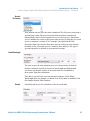
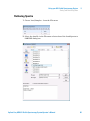
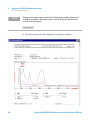
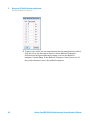
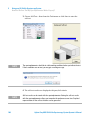
1 Select the Sipper in the Instrument Panel selection box.
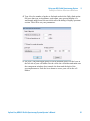
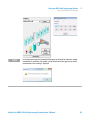
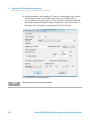
2 Click Setup on the Instrument Panel. Type the path length of your flow cell
in cm and click OK.
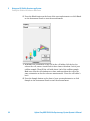
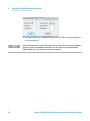
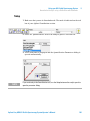
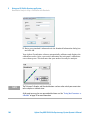
3 Click Setup again, and access the Sipper Parameter dialog by clicking
Parameter. The parameters required can be determined using the Flow Test
task of your Verification and Diagnostics mode.
Agilent Cary 8454 UV-Visible Spectroscopy System Operator’s Manual
95