1
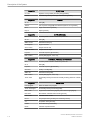
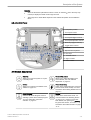
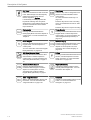
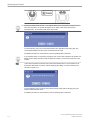
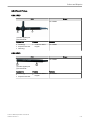
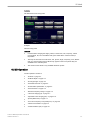
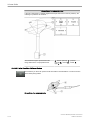
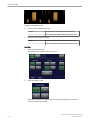
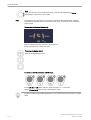
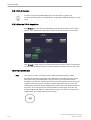
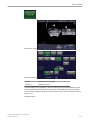
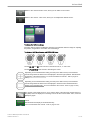
Programmable Keys
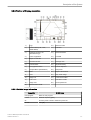
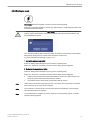
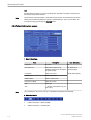
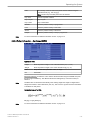
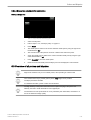
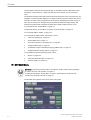
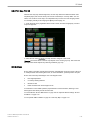
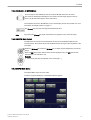
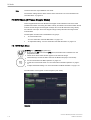
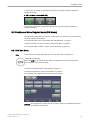
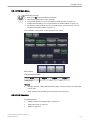
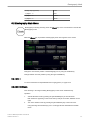
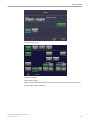
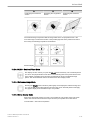
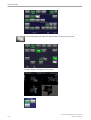
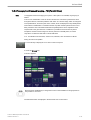
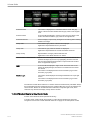
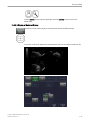
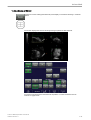
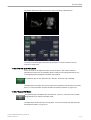
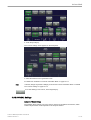
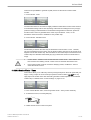
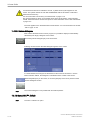
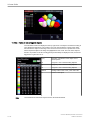
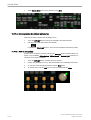
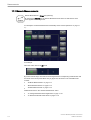
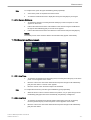
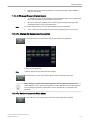
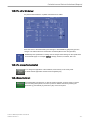
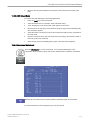
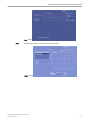
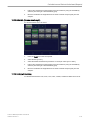
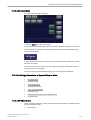
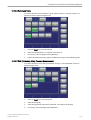
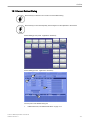
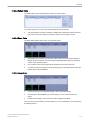
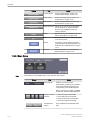
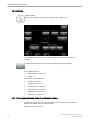
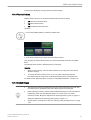
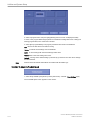
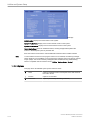
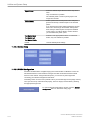
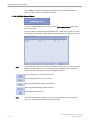
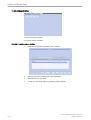
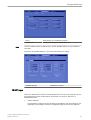
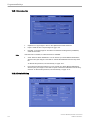
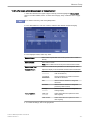
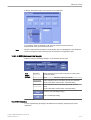
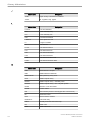
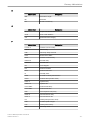
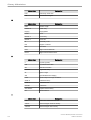
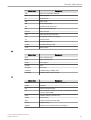
15.2.1 Overview tab
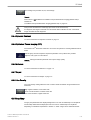
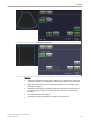
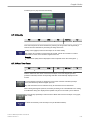
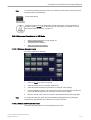
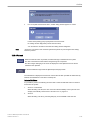
Note
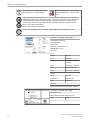
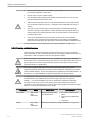
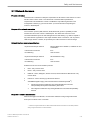
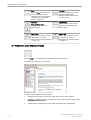
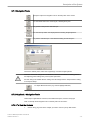
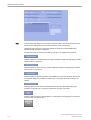
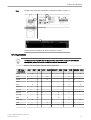
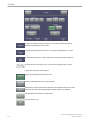
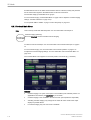
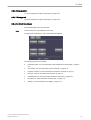
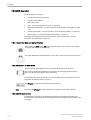
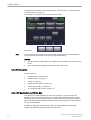
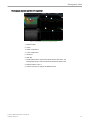
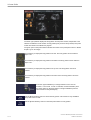
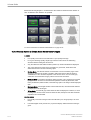
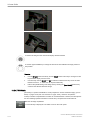
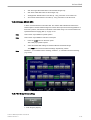
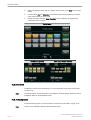
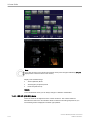
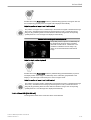
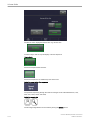
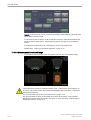
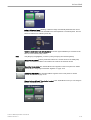
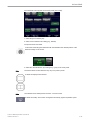
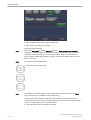
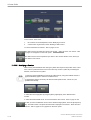
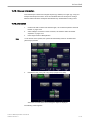
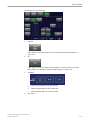
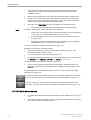
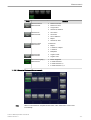
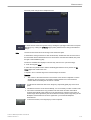
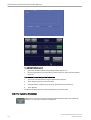
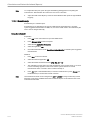
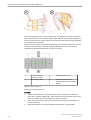
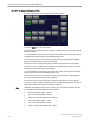
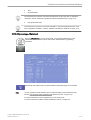
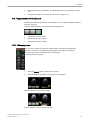
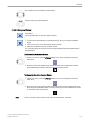
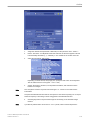
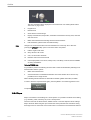
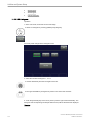
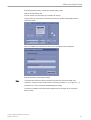
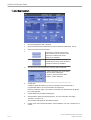
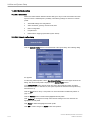
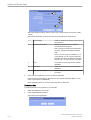
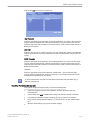
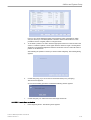
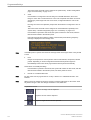
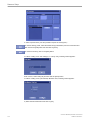
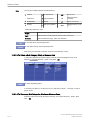
1.
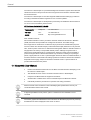
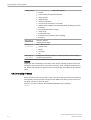
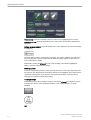
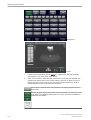
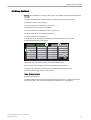
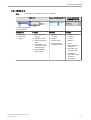
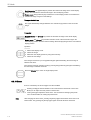
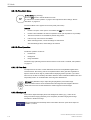
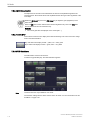
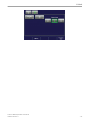
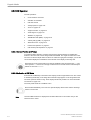
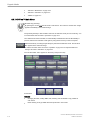
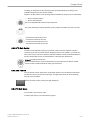
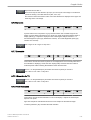
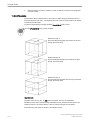
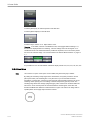
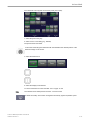
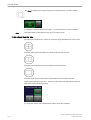
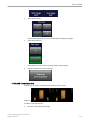
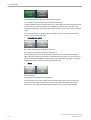
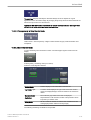
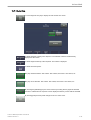
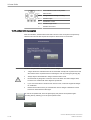
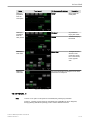
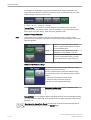
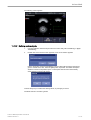
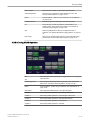
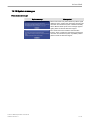
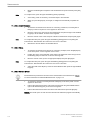
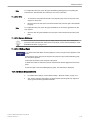
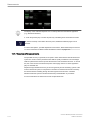
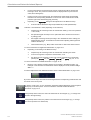
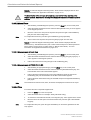
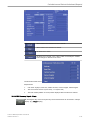
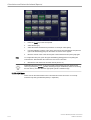
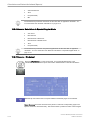
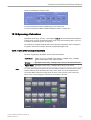
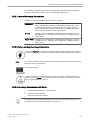
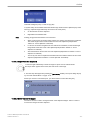
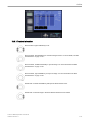
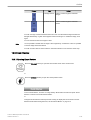
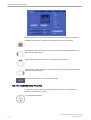
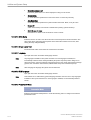
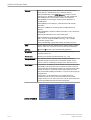
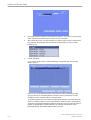
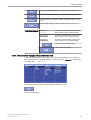
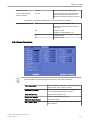
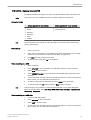
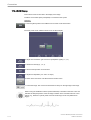
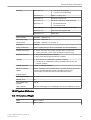
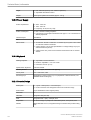
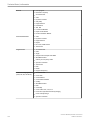
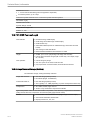
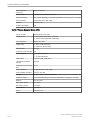
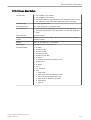
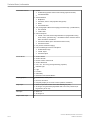
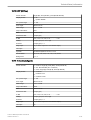
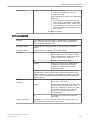
Clipboard: To copy images or cines to the clipboard check this check box.
2.
Export: Check the box to export images as .jpg or .avi.
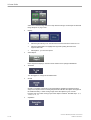
3.
Recorder: To record images or cine-data to an external recording device (VCR/DVD)
check this check box.
If this check box is marked, no other functions are available.
4.
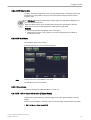
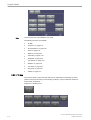
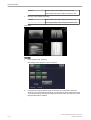
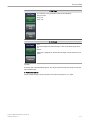
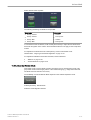
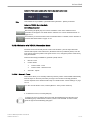
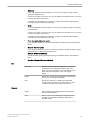
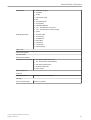
Send: There are three cheekbones. You can choose up to three different destinations,
where to send your images or cine-data to. Choose the destination from the drop-down
list.
To alter the drop-down list, see 'Connectivity' on page 14-31.
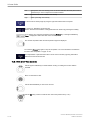
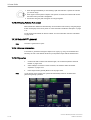
5.
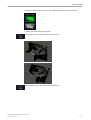
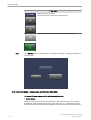
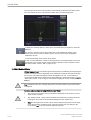
Print: There are three check boxes. You can choose up to three different destinations,
where to print your images or cine-data or reports. Choose the destination from the dropdown list. To alter the drop-down list, see 'Connectivity' on page 14-31.
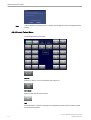
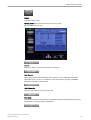
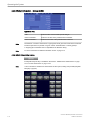
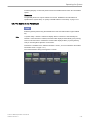
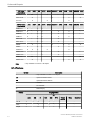
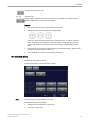
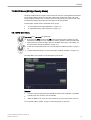
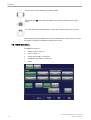
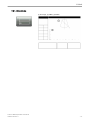
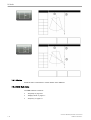
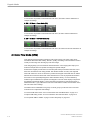
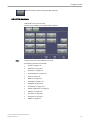
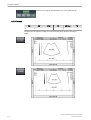
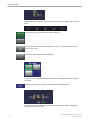
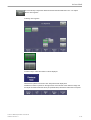
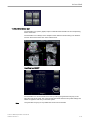
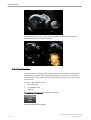
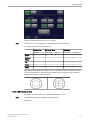
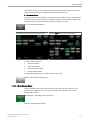
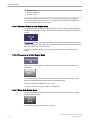
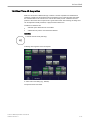
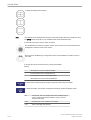
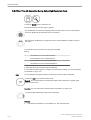
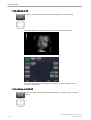
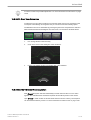
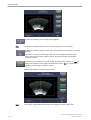
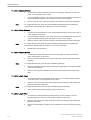
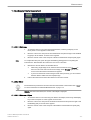
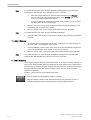
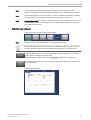
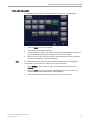
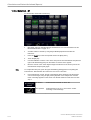
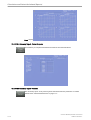
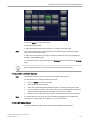
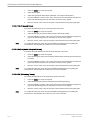
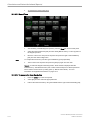
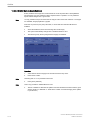
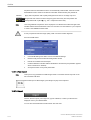
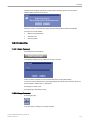
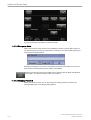
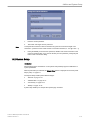
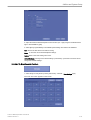
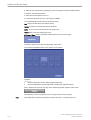
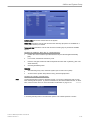
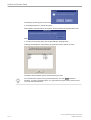
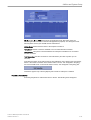
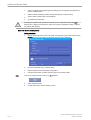
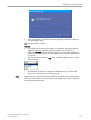
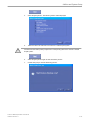
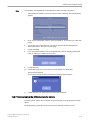
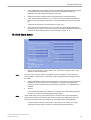
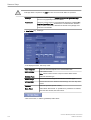
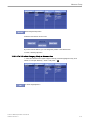
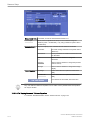
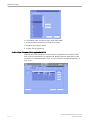
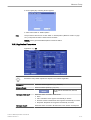
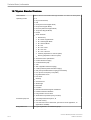
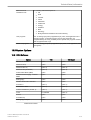
15.2.2 Detailed Setup
15-6
Voluson™ E8/E8 Expert Basic User Manual
H48691CF Revision 2