1
4505
Paper jams–how to clear
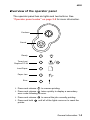
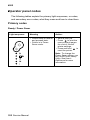
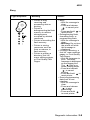
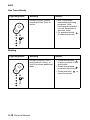
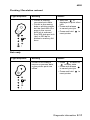
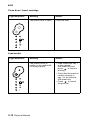
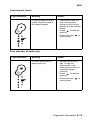
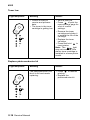
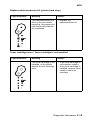
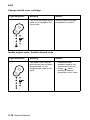
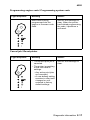
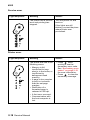
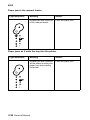
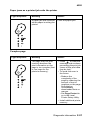
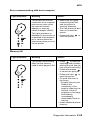
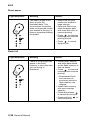
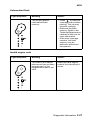
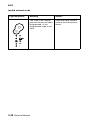
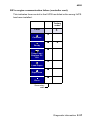
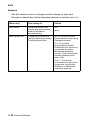
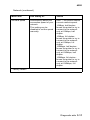
When a paper jam occurs, the printer stops operating and the
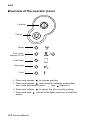
operator panel’s
and
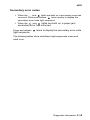
lights come on. Press and release
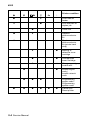
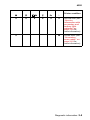
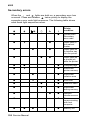
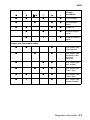
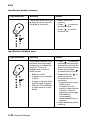
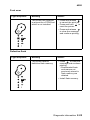
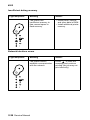
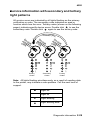
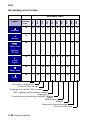
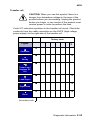
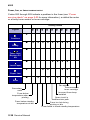
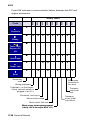
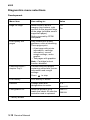
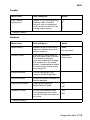
twice quickly to display the specific secondary error paper
jam light sequence. See “Secondary errors” on page 2-6 for
more information.
We recommend the entire paper path be cleared when a paper
jam occurs.
To clear a paper jam:
1. If the paper is feeding from a tray, remove the tray, and
then remove any jams.
2. Open the front cover and remove the print cartridge
assembly.
3. Remove any jams located in the area behind the print
cartridge assembly.
4. Lift the flap at the front of the printer and remove any jams
located beneath the flap.
5. Open the rear exit and remove any jams.
6. After you have cleared the jams, reinstall the print cartridge
assembly, make sure all printer covers and trays are closed, and
then press the
button to resume printing.
Note: Pages caught in the paper jam will reprint.
1-4 Service Manual