1
4061-xx0
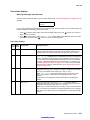
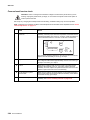
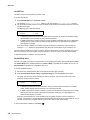
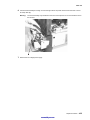
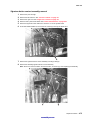
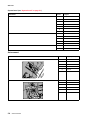
Gear release link removal
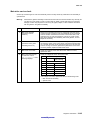
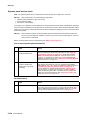
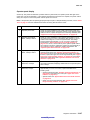
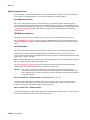
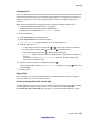
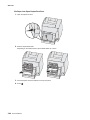
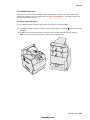
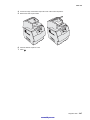
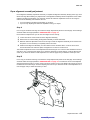
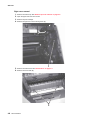
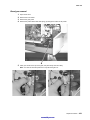
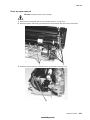
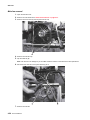
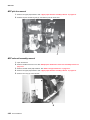
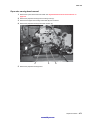
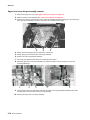
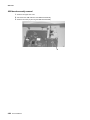
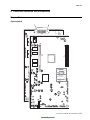
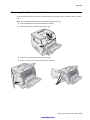
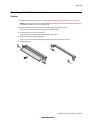
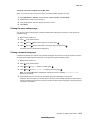
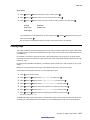
1. Remove the system board and inner shield. See “System board and inner shield removal” on
page 4-76.
2. Remove the developer drive.
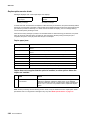
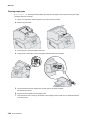
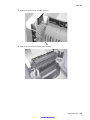
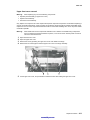
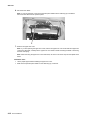
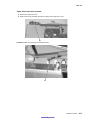
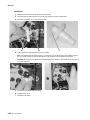
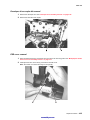
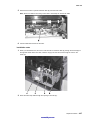
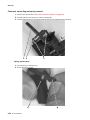
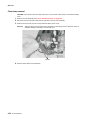
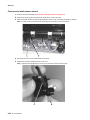
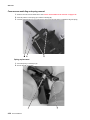
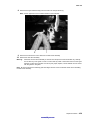
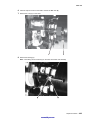
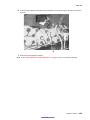
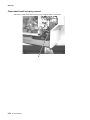
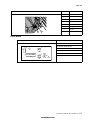
3. Disconnect the gear release link (A) from the hole in charge roll link (B).
Note: Lift the upper front cover to make it easier to remove the link.
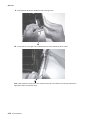
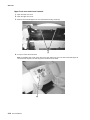
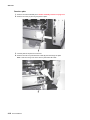
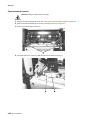
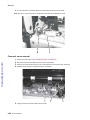
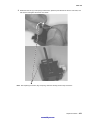
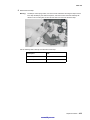
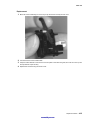
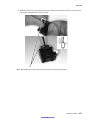
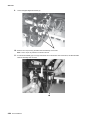
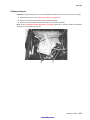
4. Rotate the link to disconnect the link from the main drive assembly.
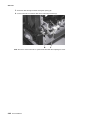
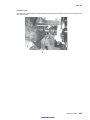
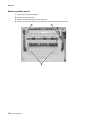
5. Remove the gear release link.
4-44 Service Manual