1
Searching the Directory
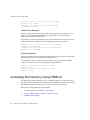
For detailed information on all ldapsearch utility options, refer to the Directory
Server Resource Kit Tools Reference.
ldapsearch Examples
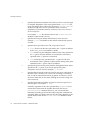
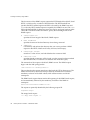
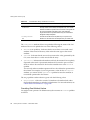
In the next set of examples, the following assumptions are made:
•
You want to perform a search of all entries in the directory.
•
The server is located on hostname myServer.
•
The server uses port number 5201.
•
You are binding to the directory as Directory Manager, with a password of
password.
•
SSL is enabled for the server on port 636 (the default SSL port number).
•
The suffix under which all data is stored is dc=example,dc=com.
Returning All Entries
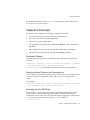
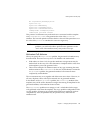
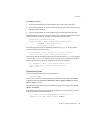
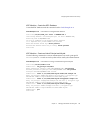
Given the previous information, the following call will return all entries in the
directory:
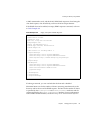
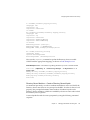
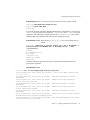
ldapsearch -h myServer -p 5201 -D "cn=directory manager" -w password
-b "dc=example,dc=com" -s sub "(objectclass=*)"
"(objectclass=*)" is a search filter that matches any entry in the directory.
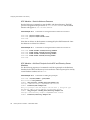
Specifying Search Filters on the Command Line
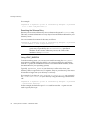
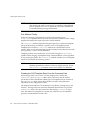
You can specify a search filter directly on the command line. If you do this, be sure
to enclose your filter in quotation marks (“filter”). Also, do not specify the -f
option.
For example:
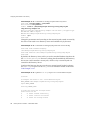
ldapsearch -h myServer -p 5201 -D "cn=directory manager" -w password
-b "dc=example,dc=com" "(cn=Charlene Daniels)"
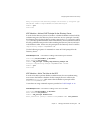
Searching the Root DSE Entry
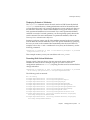
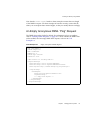
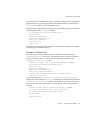
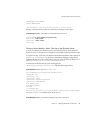
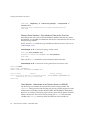
The root DSE is a special entry that contains information related to the current
server instance, such as a list of supported suffixes, available authentication
mechanisms, and so forth. You can search this entry by supplying a search base of
“”. You must also specify a search scope of base and a filter of
"(objectclass=*)".
Chapter 2
Managing Directory Entries
115