1
Making internal calls 261
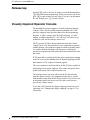
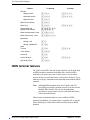
Leaving Messages
You can leave a message on the display of another telephone in your
Modular Plus system. Messages appear on the telephone display
informing the recipient to call the person who sent the message.
Messages can only be sent within the Modular Plus system. The
message sent reads MSG. Analogue telephones attached to an ATA
cannot receive messages, but can send them.
Direct-Dial extensions can send up to 30 messages. Only DirectDial extensions can send messages to M7000/T7000 telephones and
telephones attached at an ATA.
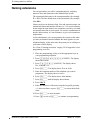
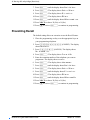
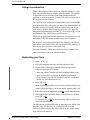
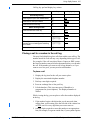
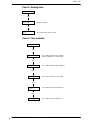
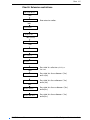
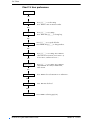
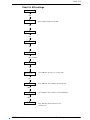
Sending a message
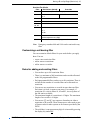
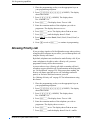
1. Press ≤⁄.
2. On a telephone with a two-line display, press ADD. (This step is
not necessary on a telephone with a single-line display.)
3. Enter the extension number of the person you want to send the
message to. The display reads Message for You and above the
display key MSG.
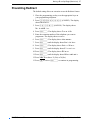
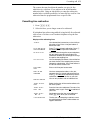
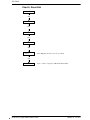
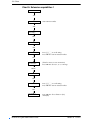
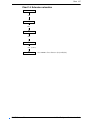
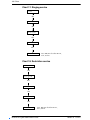
Cancelling a message
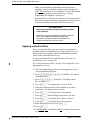
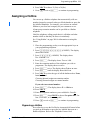
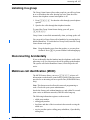
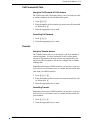
1. Press ≤£⁄.The display reads Cancel for:.
2. Enter the extension number of the person you sent the message
to.
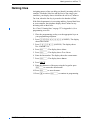
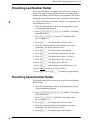
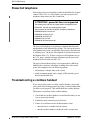
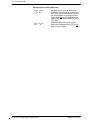
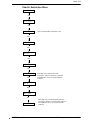
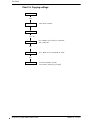
Viewing received messages
You can receive up to four messages from different telephones.
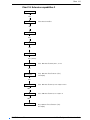
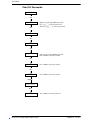
On a telephone with a two-line display:
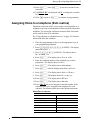
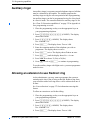
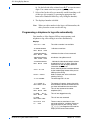
1. Press MSG. The display reads nnn called (where nnn represents
the extension number of the caller).
2. Press NEXT to move through your messages.
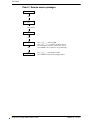
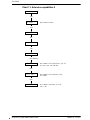
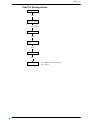
On a telephone with a single-line display:
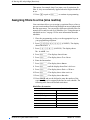
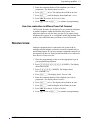
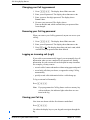
1. Press ≤flfi. The display reads the first message you
received.
2. Press • or £ to move through your messages.
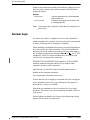
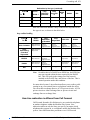
Note: You cannot view messages on M7100N/T7100 or
M7000/T7000 telephones. A solid light indicates that there
is either a message from a Direct-Dial extension or a
Voicemail message.
P0607110 Issue 01
Modular Plus System Administration Guide