1
SETUP & PROGRAMMING
ENG
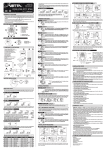
INITIAL SETUP
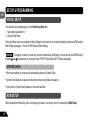
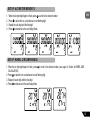
The computer will automatically go into the Initial Setup Mode after
1. New battery repalcement, or
2. All Clear Total Reset
In the Initial Setup, riders can program the Basic Settings for the computer, the content of settings are same as NOM Setup for
Basic Setting (see page 11, Section of NOM Setup for Basic Setting)
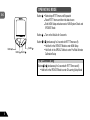
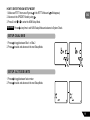
Important To change any values or correct any unit errors made during Initial Setup, you must re-enter the NOM Setup by
pressing 1 and 2 simultaneously for 2 seconds in the SPD/DST Mode with the RT/TT timers deactivated.
SYSTEM CHECK
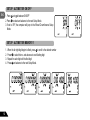
● After
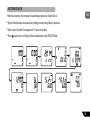
the last setting, the computer will automatically advance to System Check.
●
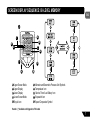
System Check displays all value and unit settings chosen during Setup in sequence.
●
Each screen in System Check appears for 5 seconds and blink.
NOM SETUP
After completed the Initial Setup, riders can change any values or correct any errors by re-entering the NOM Setup.
10