1
SynchroNet ES/2 User Guide
ES/2 Operations Reference
Gen Menu
B
A
P
B V
A T
G M
R-X
SETUP >menu
PRSET >menu GEN
FlyWhl OFF
3frm
1sec
<<<
00.00.00.00
00.00.00.00
zero
HOLD
START
MODE
zeroR
9.59.00.00 prset
prstR
jammed fcjam
re-jammed fsjam
m-jam
systm
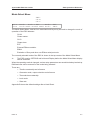
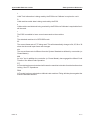
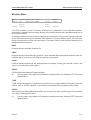
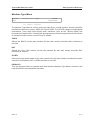
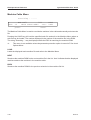
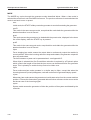
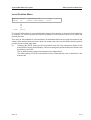
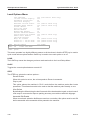
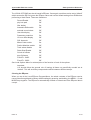
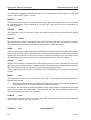
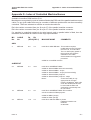
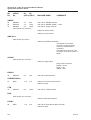
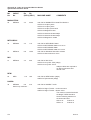
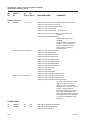
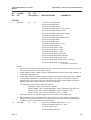
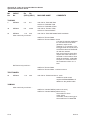
The Gen Menu displays the mode of operation of the timecode generator, and provides access to
two sub-menus for generator setup and preset start value.
The display shows the current generator timecode value in the upper line, which also tallies the
current output status and generator reference.
The lower line indicates the preset start or jam sync status.
The generator position is not displayed if the output is set to Reader or Bus - see below.
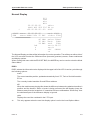
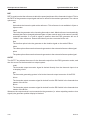
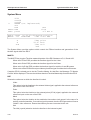
SETUP
Pressing the SETUP softkey causes Gen Setup Menu to be displayed.
Issue 2
3:19