1
CALCulate Subsystem
R&S FSU
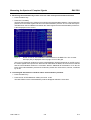
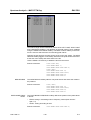
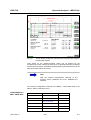
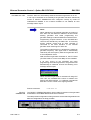
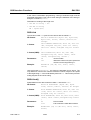
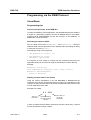
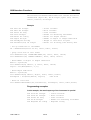
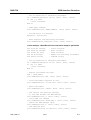
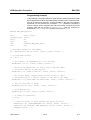
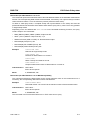
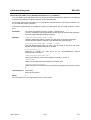
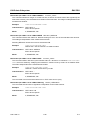
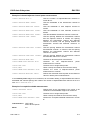
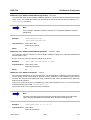
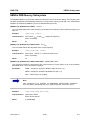
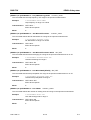
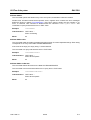
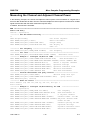
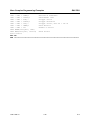
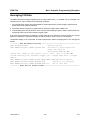
4. Querying the limit check result: CALC1:LIM5:FAIL?
Switching on and evaluating the line in screen B is performed in the same way by using CALC2 instead of
CALC1.
Aa
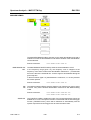
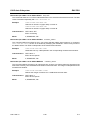
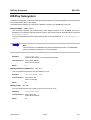
Note
•
This subsystem is not available for GSM/EDGE measurements modulation
accuracy (MAC) and phase frequency error (PFE) (option FS-K5).
•
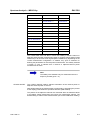
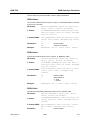
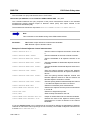
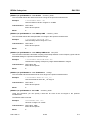
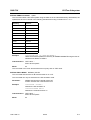
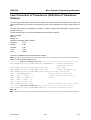
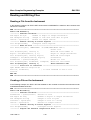
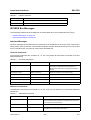
The names of the limit lines for GSM/EDGE measurements are fixed. The
names must be assigned by the user prior to their use:
CALCulate1:LIMit1:NAME 'xxxU_yz' or
CALCulate1:LIMit2:NAME 'xxxL_yz'
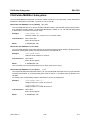
xxx = measurement (PVT / CPW / MOD / TRA)
U = upper limit line (PVT / CPW / MOD / TRA)
L = lower limit line (PVT / CPW)
y = modulation type (_G = GMSK / _E = EDGE)
z = for all measurements blank, only for PVT in multislot: active slots (blank = 1
active slot, 2 = 2 active slots, 3 = 3 active slots, 4 = 4 active slots)
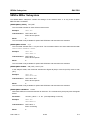
Query:
CALC1:LIM1:FAIL?
CALC1:LIM2:FAIL?
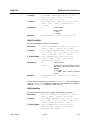
Examples:
•
CPWU_G = upper limit line for Carrier Power measurement, Modulation type
GMSK
•
PVTL_E3 = lower limit line for Power versus Time measurement, Modulation
type EDGE, multislot: 3 active slots
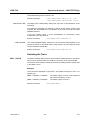
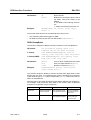
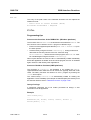
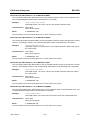
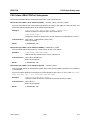
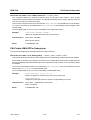
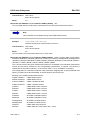
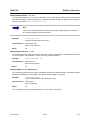
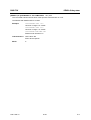
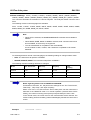
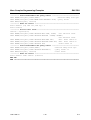
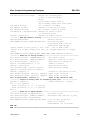
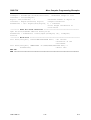
CALCulate<1|2>:LIMit<1 to 8>:CATalog?
This command queries all the names of the limit lines saved on the hard disc.
The syntax of the output is:
<sum of file length of all following files>,<free spaces on hard disc>,<1st file name,<1st file length>,
<2nd file name>,<2 nd file length>,....,<n th file name>,<nth file length>
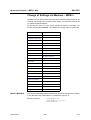
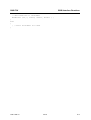
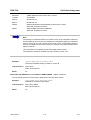
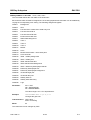
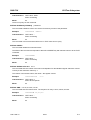
Example:
"CALC:LIM:CAT?"
Characteristics: *RST value: SCPI: device-specific
Mode:
1166.1725.12
A, GSM/EDGE, FM
6.22
E-2