1
Entering the IP Parameters
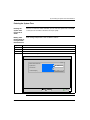
Configuring the ESM using the Command Line Interface
General
Information
concerning the
Configuration
via CLI
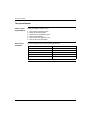
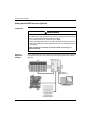
Choose this method if
z
z
you preconfigure your switch outside its operating environment, or
if you have no network access to the switch.
Note: If there is no terminal or PC with terminal emulation available in the vicinity
of the installation location, you can also enter the IP parameters in your working
environment prior to performing the ultimate installation.
Entering the IP
Parameters
Using the CLI
26
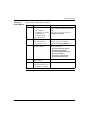
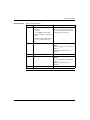
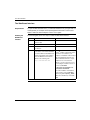
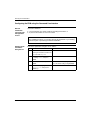
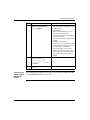
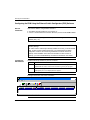
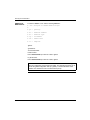
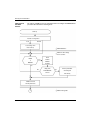
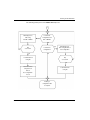
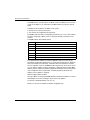
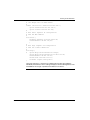
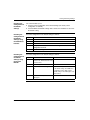
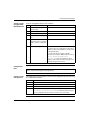
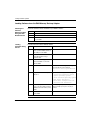
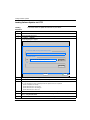
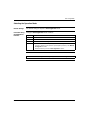
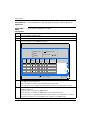
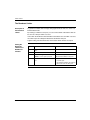
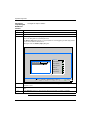
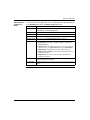
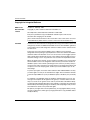
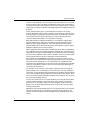
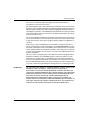
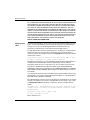
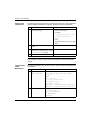
Enter the IP parameters using the CLI as follows:
Step
Action
1
Establish a connection to the switch,
following the instructions made in the
step action table on p. 15.
2
Change to the privileged EXEC mode
by entering enable, and press
ENTER.
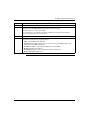
3
Enter the password, and press
ENTER.
4
Disable DHCP by typing network
protocol none, and press the
ENTER key.
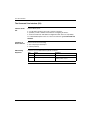
Comment
Press ENTER without typing the password,
since the default setting is no password.
31007122 8/2006