1
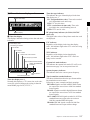
8-1 Overview
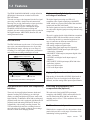
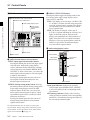
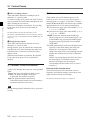
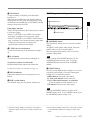
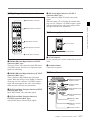
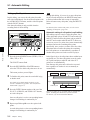
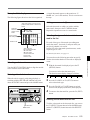
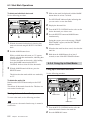
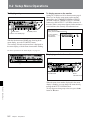
To change the function menu page
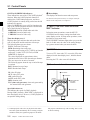
Press either of the page buttons (V, v).
• The V button selects the next page in the order
HOMEt1t2t3t4t5tHOME...
• The v button selects the next page in the order
HOME5t4t3t2t1tHOME...
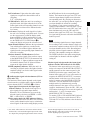
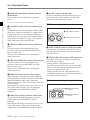
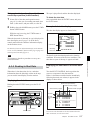
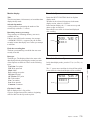
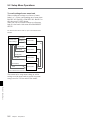
Settings which do not appear in the menu
display section
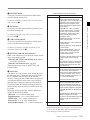
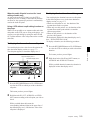
In the HOME page (see the figure in Section 8-11 “Function Menu Configuration”), the settings for
F5 (MENU) and F6 (TCGSET) do not appear in the
menu display.When you press the F5 or F6 button, the
whole menu page changes to allow you to set these
items.
Chapter 8
Function Menu
8-2
Chapter 8
Function Menu