1
5.2. MODEL DEFINITION
111
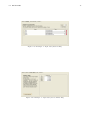
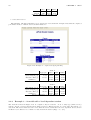
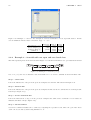
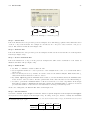
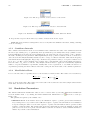
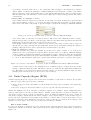
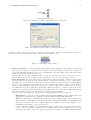
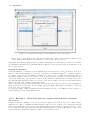
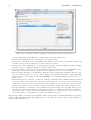
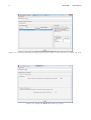
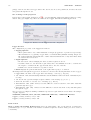
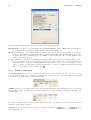
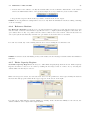
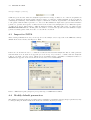
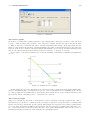
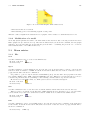
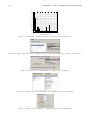
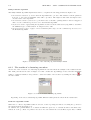
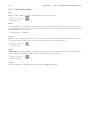
Figure 5.4: Number of classes
5.2.2
Classes Tab
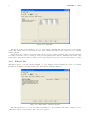
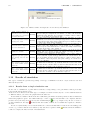
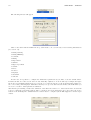
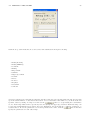
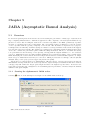
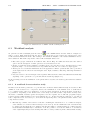
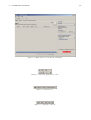
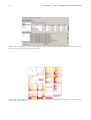
An example screenshot of this tab can be seen in Figure 5.1. This tab allows to set the number of custumer
classes. It’s possible to set two or three clesses.
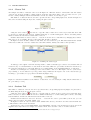
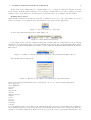
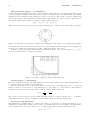
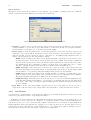
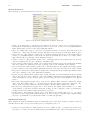
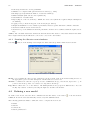
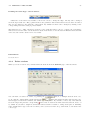
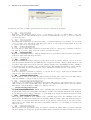
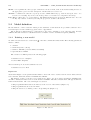
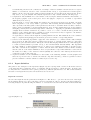
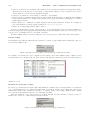
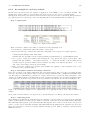
The number of classes in the model can be specified in the corresponding input area, shown in Figure 5.4
and can be modified using the keyboard or the spin controls.
Using the delete button
associated to a specific class, a class can be removed provided that there will
be at least one class after the deletion. Similar result may be obtained using spin controls, decreasing classes
number; in this case last inserted class will be removed.
Default class names are Class1, Class2, . . . ClassN. The model can be personalized by changing these names.
5.2.3
Stations Tab
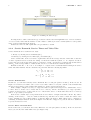
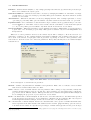
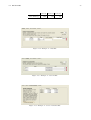
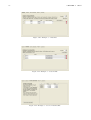
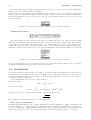
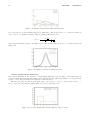
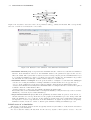
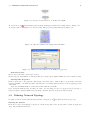
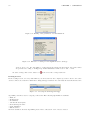
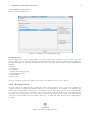
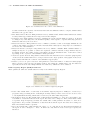
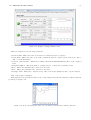
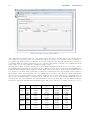
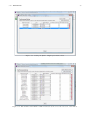
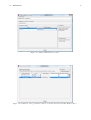
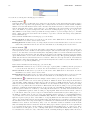
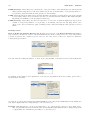
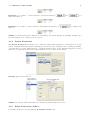
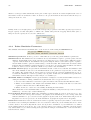
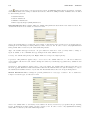
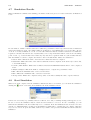
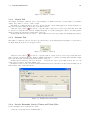
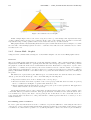
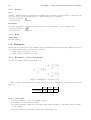
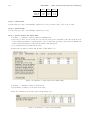
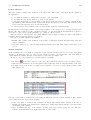
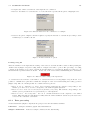
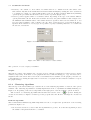
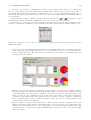
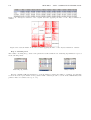
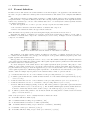
The number of stations of the model can be specified in the corresponding input area (Figure 5.5) and can be
modified using the keyboard or the spin controls.
Figure 5.5: Number of stations
Using the delete button
associated to a specific station, a station can be removed provided that there
will be at least one station after the deletion. Similar result may be obtained decreasing stations number using
spin controls; in this case last inserted station will be removed.
Default station names are Station1, Station2, . . . StationN. In order to personalize your model, you can
change and give names other than default ones.
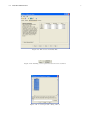
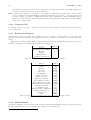
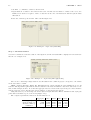
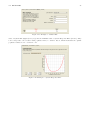
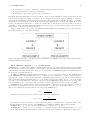
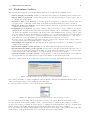
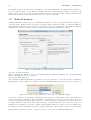
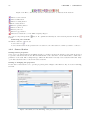
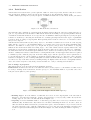
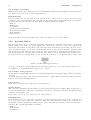
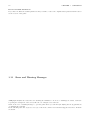
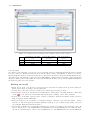
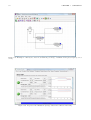
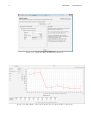
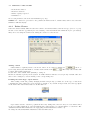
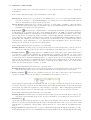
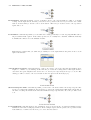
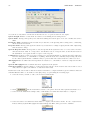
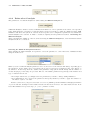
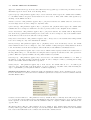
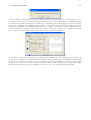
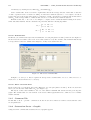
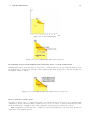
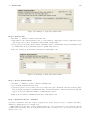
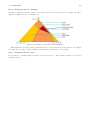
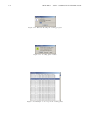
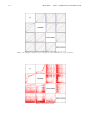
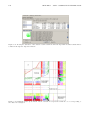
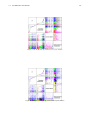
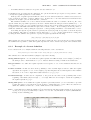
In Figure 5.6 there is only one station with default name Station4 and there are three stations with personalized names: CPU, Disk1 and Disk2.
Figure 5.6: Defining the stations name
5.2.4
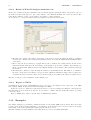
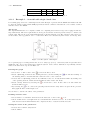
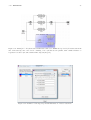
Service Demands, Service Times and Visits Tabs
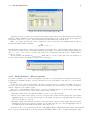
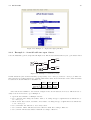
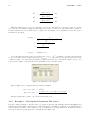
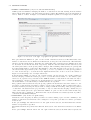
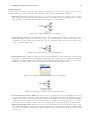
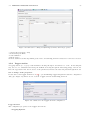
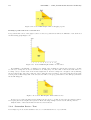
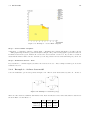
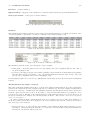
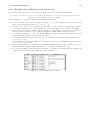
Service Demands can be defined in two ways:
• directly, by entering Service Demands (Dkc )