1
CCProxy
www.youngzsoft.net/ccproxy/
Prepare
If you want to have a try, please prepare the following steps:
Install Windows Server 2003 or Windows Server 2008 on VPS.
Install Radius server. We recommend using NTTac Plus or IEA Radius.
Give us the IP address and username/password of your VPS.
Please also tell us the radius' IP, authentication and accounting port, login
username/password and encryption key.
Price
USD 100, per month.
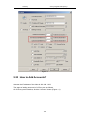
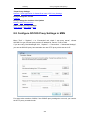
8.25 How to Use Remote Desktop via CCProxy
1.1 Configure Port Map
Assume the IP address of the machine that needs to be controlled by remote desktop is
31.211.248.10.
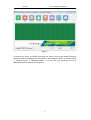
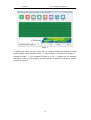
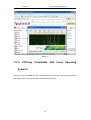
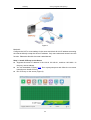
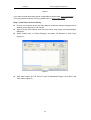
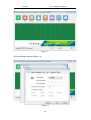
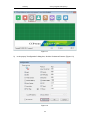
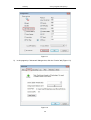
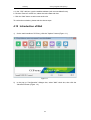
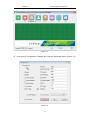
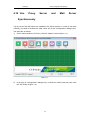
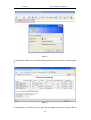
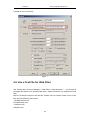
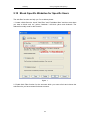
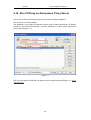
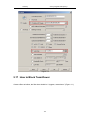
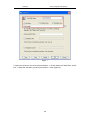
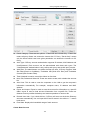
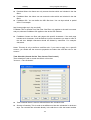
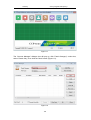
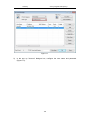
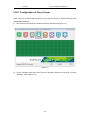
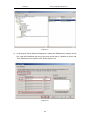
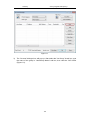
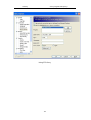
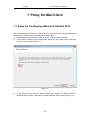
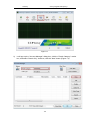
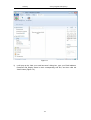
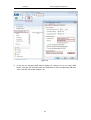
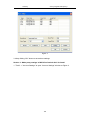
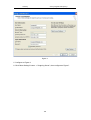
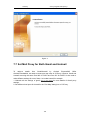
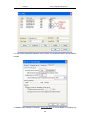
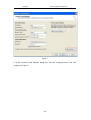
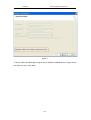
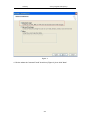
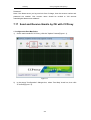
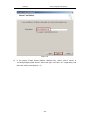
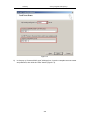
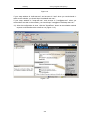
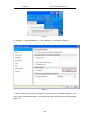
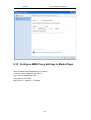
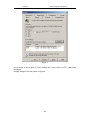
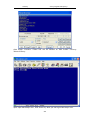
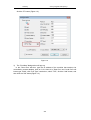
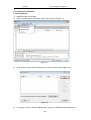
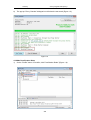
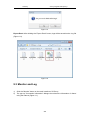
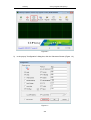
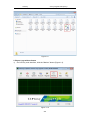
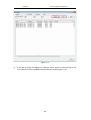
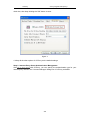
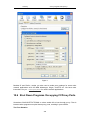
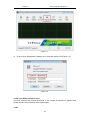
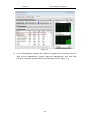
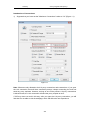
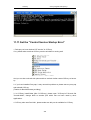
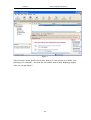
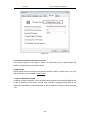
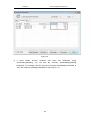
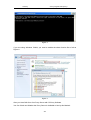
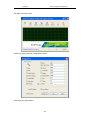
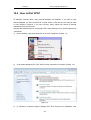
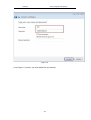
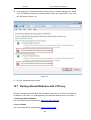
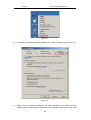
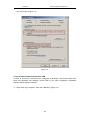
1) On the main interface of CCProxy, click the "Options" button (Figure 1-1).
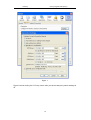
Figure 1-1
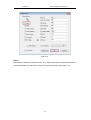
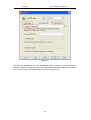
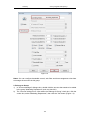
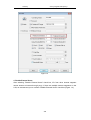
2)
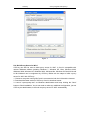
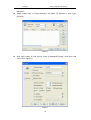
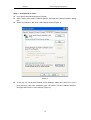
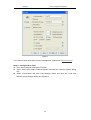
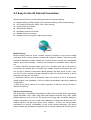
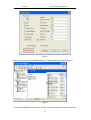
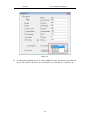
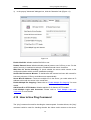
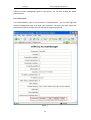
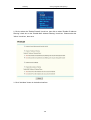
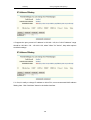
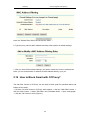
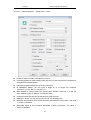
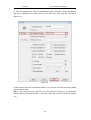
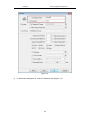
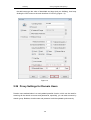
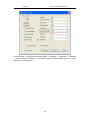
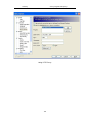
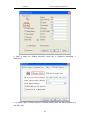
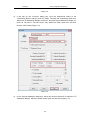
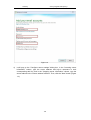
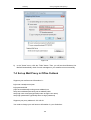
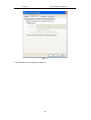
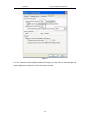
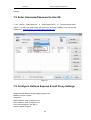
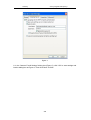
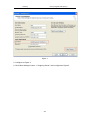
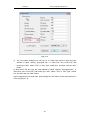
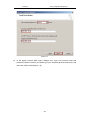
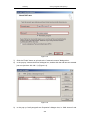
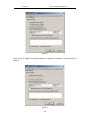
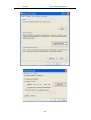
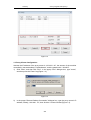
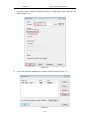
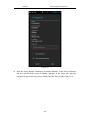
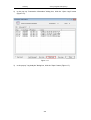
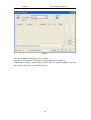
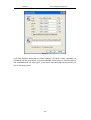
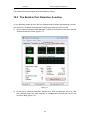
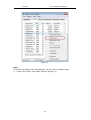
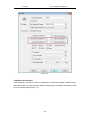
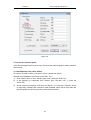
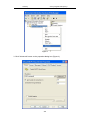
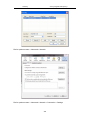
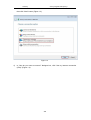
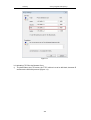
On the popup "Configuration" dialogue box, select the "Port Map" check box, then
261