1
66 FocalPoint
Adjusting the Focus Bug Opacity
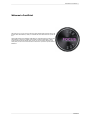
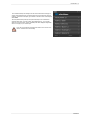
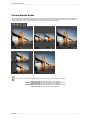
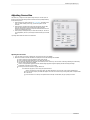
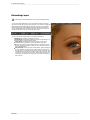
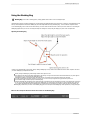
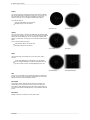
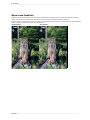
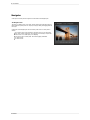
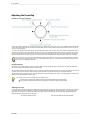
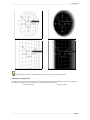
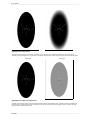
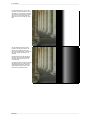
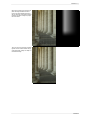
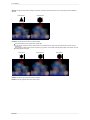
The opacity controls the opacity of the sweet-spot. At a setting of 100%, the sweet-spot is completely protected from the blur. As the opacity is
decreased, the sweet-spot begins to blur. In most cases you will want the opacity to remain at 100%. The opacity is also controlled with the left antenna.
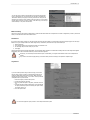
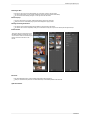
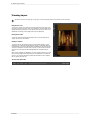
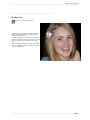
100% Opacity
50% Opacity
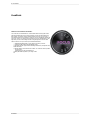
Adjusting the Focus Bug Control Appearance
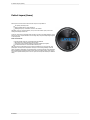
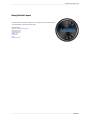
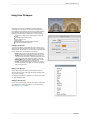
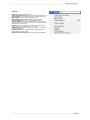
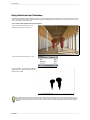
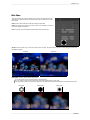
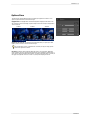
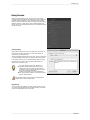
The opacity of the Focus Bug itself (not to be confused with the masking opacity as mentioned above) can be controlled to minimize its interference with
the preview image. To adjust the opacity of the Focus Bug’s body go to the View menu and select Focus Bug Opacity. This has no effect on the image
itself, only how the Focus Bug control appears.
FocalPoint