1
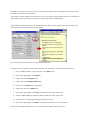
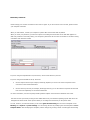
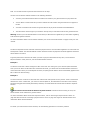
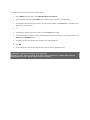
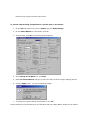
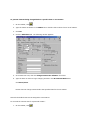
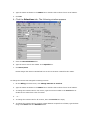
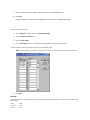
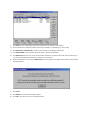
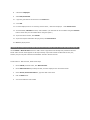
To change the interest rate assigned to existing invoices:
1.
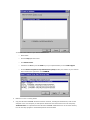
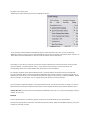
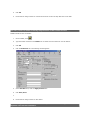
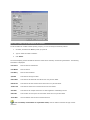
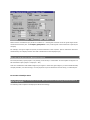
On the Billing pull-down menu, click Change Interest on Invoices.
2.
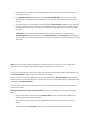
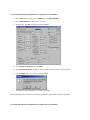
Type the matter nickname in the Matter box or double-click to select from a list of matters.
3.
To change the interest rate for one invoice, type the invoice number in the Invoice box or double-click to
select from a list of invoices.
4.
- or -
5.
To change the interest rate for all invoices, leave the Invoice box empty.
6.
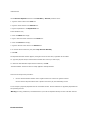
To change the interest rate for invoices created between a specific set of dates, type the date range in the
Start Date and End Date boxes.
7.
Type the interest rate to assign to the invoices in the Interest Rate box.
8.
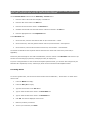
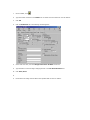
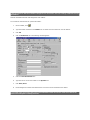
Click OK.
9.
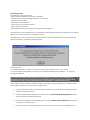
PCLaw changes the interest rate assigned to all invoices with the specified criteria.
For PCLawPro or the Past Due Notices optional module.
The interest rates I charge are based on the bank's prime rate plus 2%. I update these rates on a
monthly basis. How can I charge different rates each month?