1
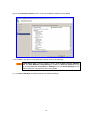
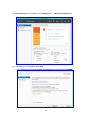
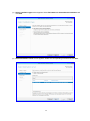
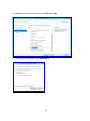
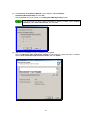
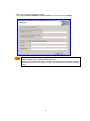
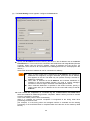
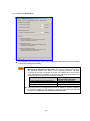
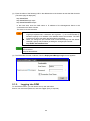
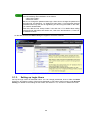
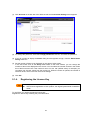
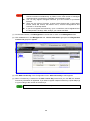
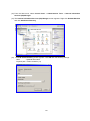
(1) Click Account on the title bar of the Web console and the Account Setting screen appears. (2) To change the password, select the Change password check box, and enter the password. (3) If you do not want to display the Notice dialog box that appears at login, clear the Show Notice Dialog check box. (4) Set the number of items to be displayed on one page of a list screen. In the list screen such as the Group List screen on the main window, you can change the number of items to be displayed on the screen. You can select the number of items in the combo box of the list screen here. If the number is set to "20, 50, 100" (default value), for example, you can select one of these values from the combo box. When the screen is opened, the number of items will be 20, which is the first of the three settings. (5) Click OK. 5.1.4. Registering the License Key Only users with Administrator authority can add or remove licenses. About license registration of SSC product, see SigmaSystemCenter Installation Guide. To use DPM, you need to register the license key. Register the license key following the procedure below. 97