1
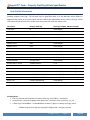
Registry – Main Management Display
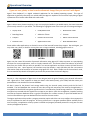
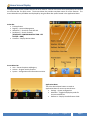
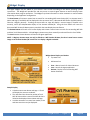
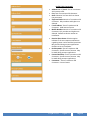
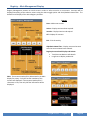
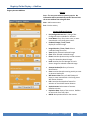
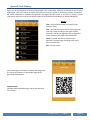
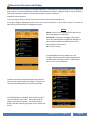
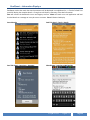
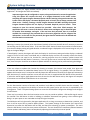
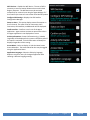
Registry Management presents an initial screen in order to select an action or an account. Accounts will be
displayed according to the selection criteria using the Active toggle option and the Alphabetic Name Filter. The
default list will display all the Active Registry Accounts.
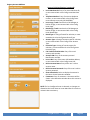
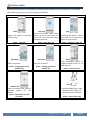
Buttons
New – Add a new account.
Active – Displays active and non-expired.
Inactive – Displays inactive and expired.
All – Displays all accounts.
Exit – Exit the activity.
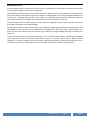
Alphabetic Name Filter – Display accounts that start
with the Account Name letter selected.
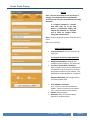
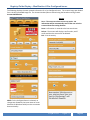
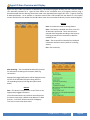
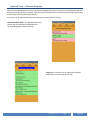
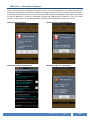
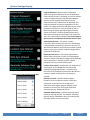
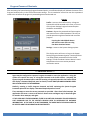
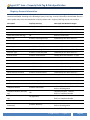
Registry Account Panel Display and Actions
·
·
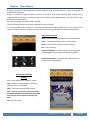
Touch Account Name to edit details.
Long Press to display credentials.
Note: The Account Number/ID is abbreviated in the Main
display for privacy. Only the last four numbers of the
account are displayed. If the Account Number/ID is 5
characters or less, then only half the information will be
displayed.
PayBurst™ – Agent™
Page 18