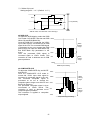
1
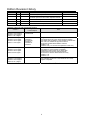
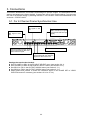
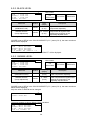
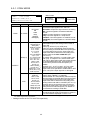
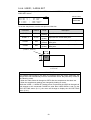
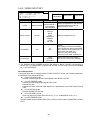
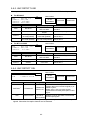
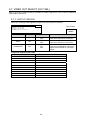
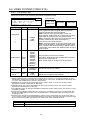
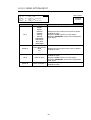
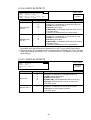
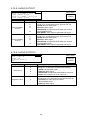
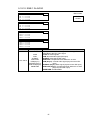
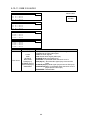
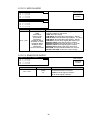
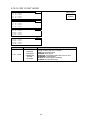
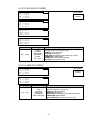
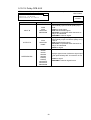
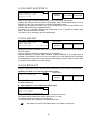
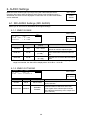
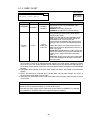
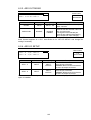
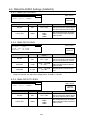
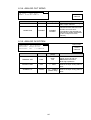
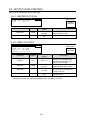
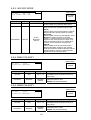
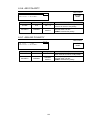
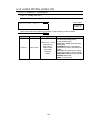
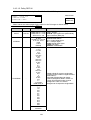
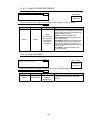
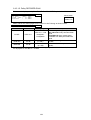
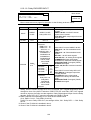
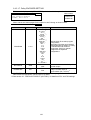
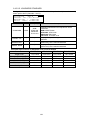
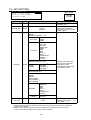
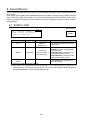
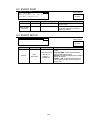
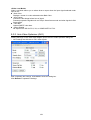
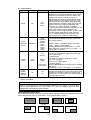
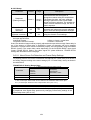
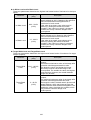
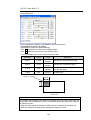
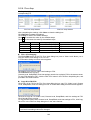
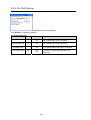
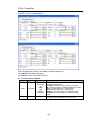
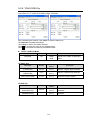
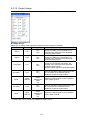
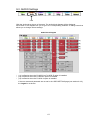
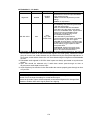
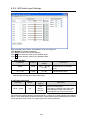
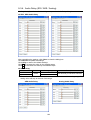
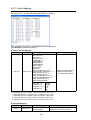
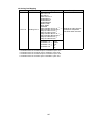
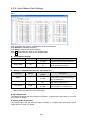
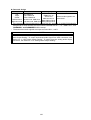
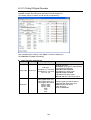
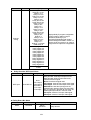
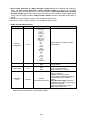
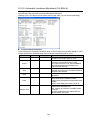
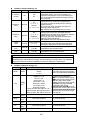
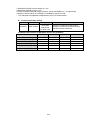
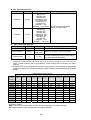
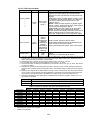
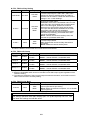
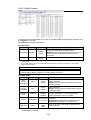
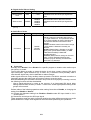
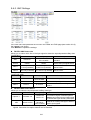
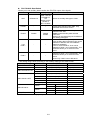
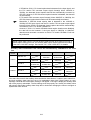
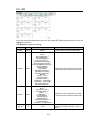
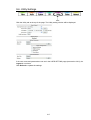
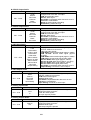
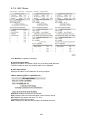
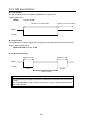
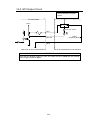
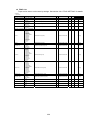
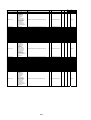
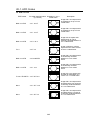
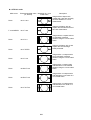
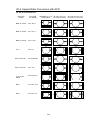
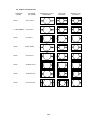
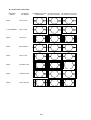
5-4. Auto Video Optimizer (AVO) AVO settings are effective for FS1 video signals. 5-4-1. AVO SETTING A M L A A V O E R R O D V E E SET E :O EL:S A :F A DI T F T U S I F A L P NG 16 Menu button NDARD L SCREEN LAY:OFF AVO MAPPING Parameter Default Setting range MODE (Auto level adjustment) OFF OFF AUTO *1 HOLD *1 STANDARD DARKER DARK STANDARD BRIGHT BRIGHTER USER1, USER2, USER3, USER4, USER5 LEVEL (Adjustment level) Description AUTO: Enables automatic level adjustment. HOLD: Stops auto level adjustment. When MODE selection is changed from AUTO to HOLD, the signal levels stop and remain as they are. OFF: Disables automatic level adjustment. When MODE selection is changed from AUTO to OFF, the signal levels return to their state before auto level adjustment is applied. When set to OFF, the signal levels can be manually adjusted. See section 5-4-4-1 “Manual Level Adjustment” for details. Selects a type of signal level adjustment. 10 options are available: Five fixed options and five custom options. Darker < Dark < Standard < Bright < Brighter User1 - User5: Customizable Selecting one user settings from User1 through 5 opens the USER1 - 5 LEVE SET page. See section 5-4-3 “USER1 - 5 LEVEL SET” for details. Sets the sample area to calculate the adjustment. 10 options are available: Eight fixed areas and FULL two custom areas. SCREEN, Fixed areas FULL SCREEN, LETTER BOX, PILLAR BOX, BOTTOM AREA CENTER, TOP-LEFT, TOP-RIGHT, FULL RIGHT, SCREEN BOTTOM LEFT, BOTTOM RIGHT (Sample area) (See "Sample Area" in the next page.) USER Custom areas AREA1, USER Selecting USER AREA1, or 2 opens the USER AREA2 AREA SET page. See section 5-4-4 “USER1,2 AREA SET” for details. Sets sample area display ON/OFF. If set to ON, the sample area appears as a semi-transparent AREA OFF, DISPLAY white rectangle on all output videos. OFF (Marker It is set to OFF at startup. Also, if MODE is set to ON OFF, AREA DISPLAY is automatically set to display) OFF. *1 MODE cannot be set to AUTO or HOLD when LINK setting mode is enabled in the FA-9520 or a connected FA-95RU. To set to AUTO or HOLD, disable LINK setting mode. See sec. 4-2-8. “Switching Between 2-Channel Frame Synchronizers” for details on LINK settings. IMPORTANT The Auto Level Adjustment will provide optimal results in many cases, but it does not always yield optimal results. Sample Area determines the area where the data are sampled and the level adjustments are applied to whole images. 47