1
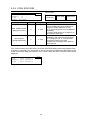
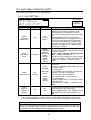
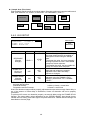
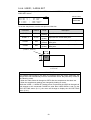
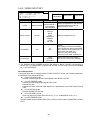
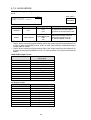
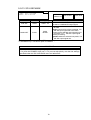
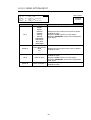
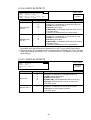
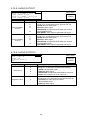
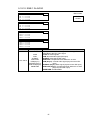
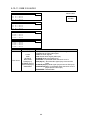
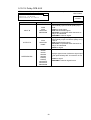
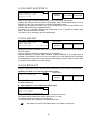
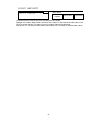
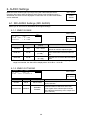
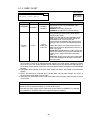
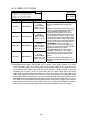
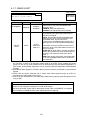
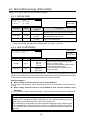
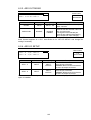
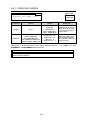
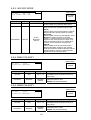
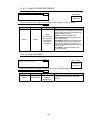
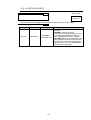
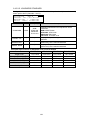
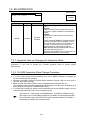
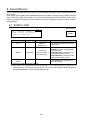
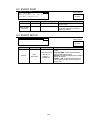
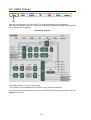
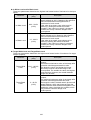
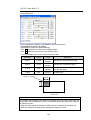
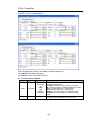
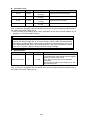
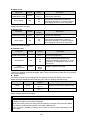
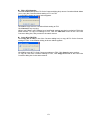
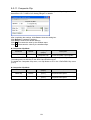
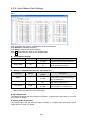
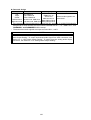
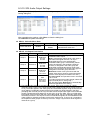
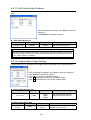
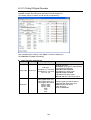
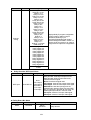
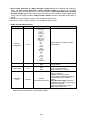
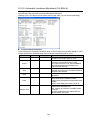
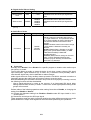
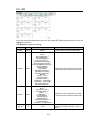
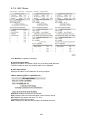
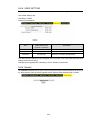
7-2. MU OPERATION MU OPERATION MODE:FA-9520 * Menu button 292 STATUS OTHER Parameter Default Setting range MODE FA-9520 FA-9520 FA-9500 Description Allows you to select an FA-9520 operation mode. FA-9500: Mode in which the unit operates the same as the former FA-9500. Suitable for simultaneous outputs. FA-9520: Independent 2-channel frame synchronizers can be used. A WAIT 5sec AND REBOOT message appears when the operation mode is changed. In such case, wait at least 5 seconds, then reboot the FA-9520. The FA-9520 can be used in the selected operation mode after the restart. Make sure that the MU OPERATION menu is open when rebooting the unit. Rebooting while another menu is open does not implement the operation mode change. This menu cannot be accessed from the FA-95RU. 7-2-1. Important Note on Changing the Operation Mode Be sure to follow the procedure described in section 7-2-2 “FA-9520 Operation Mode Change Procedure”, if you wish to change the FA-9520 operation mode to ensure proper performance. 7-2-2. FA-9520 Operation Mode Change Procedure 1. Be sure to close all Web browser connections with the FA-9520. 2. If you are using remote control interfaces such as an SNMP manager to manage the FA-9520, disconnect the interface. 3. Change the MODE (change FA-9520/FA9500 selection) setting. Wait for more than 5 seconds, then reboot the unit. 4. Make sure the “MU OPERATION” menu is displayed when rebooting the unit. (The operation mode cannot be changed by rebooting the unit if the menu is diplaying one that is different from the “MU OPERATION” menu.) 5.To control the FA-9520 via remote control interfaces such as an SNMP manager, be sure to download the MIB file for the correct operation mode. See section 9-1 “Connecting via a WEB Browser” for details on WEB Browsers. See section 9-6-3 “Downloading a MIB File” for details on downloading the MIB file for FA-9520 mode. See the FA-9500 mode Operation Manual for details on downloading an MIB file for FA-9500 mode. 142