1
Multi-Live Installation
You can watch more than one surveillance interfaces (four most) via Multi-Live program. Also you
can use it to record video. Follow the instructions to install Multi-Live program.
1. Start your PC.
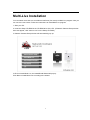
2. Insert the Setup CD-ROM in the CD-ROM drive of the PC. (If Network Camera Setup window
does not appear, click "autorun.exe" on the Setup CD-ROM.)
3. Network Camera Setup window will automatically pop up.
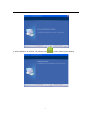
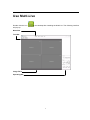
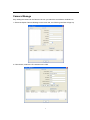
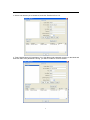
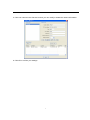
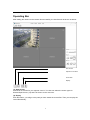
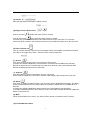
4.Click on Install Multi Live, the InstallShield Wizard will pop up.
Click Next to install Multi-Live according to the wizard.
2