1
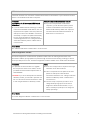
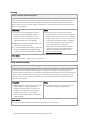
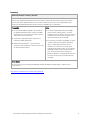
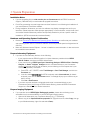
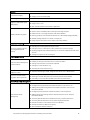
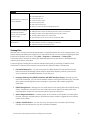
System preparation If you are installing or upgrading mobile computers, follow special mobile computing instructions (p. 18) Note: For Cornerstone NEXT version 8.3.6, it is important that you follow the process of syncing and undoing mobile computers even if you haven’t done this for previous upgrades. Prepare your system, including the computers in your Cornerstone network as well as in-house laboratory equipment, and your digital imaging capture station. (p.9) • This takes about 15 minutes in most practices. Installation Upgrade Cornerstone on your server (p. 13) Upgrade your workstations (p. 15) • This should take about 15 minutes per workstation, although the specifications of the workstation computers and your network may extend the time for this step. • If you use the install from server feature, you can upgrade up to three workstations at a time. Confirm upgrade and resume normal operations (p. 17) Set up security access to new windows and reports Set up security for new features by referencing these recommended security settings (p. 19). Set up new features View detailed information about setting up the new features and functionality in this release in What’s New in Cornerstone 8.3. See the Setup instructions at the beginning of each feature section. Learn and educate Use the training checklist to introduce the new features you choose to implement to your practice, and train staff (p. 21). View details about how to use the new features in What’s New in Cornerstone 8.3. See the Use section for each feature. To review the basics of Cornerstone in the context of version 8.3, view the Basic Foundation Training tutorial on the IDEXX Learning Center. Click here to jump back to the top of the Quick View Checklist. Cornerstone 8.3 Getting Started Guide for Installing from Download 2