1
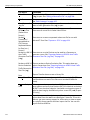
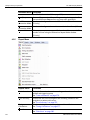
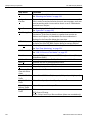
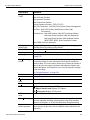
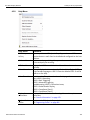
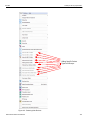
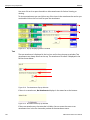
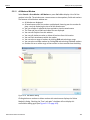
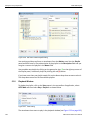
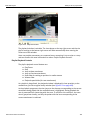
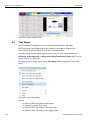
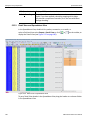
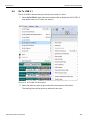
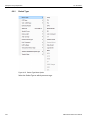
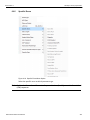
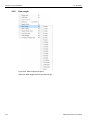
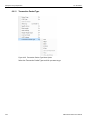
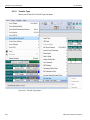
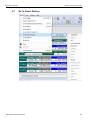
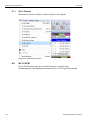
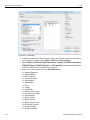
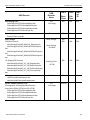
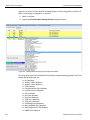
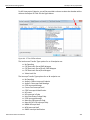
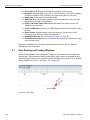
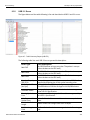
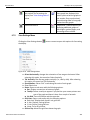
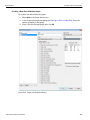
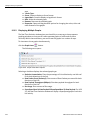
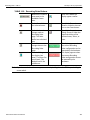
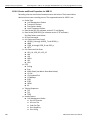
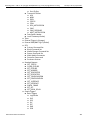
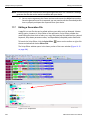
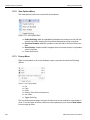
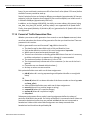
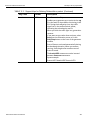
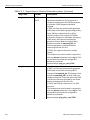
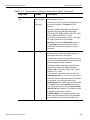
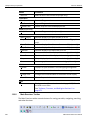
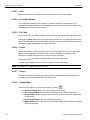
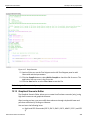
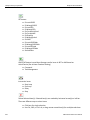
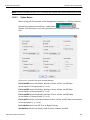
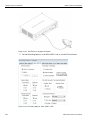
Script Editor Teledyne LeCroy Corporation 12.10.9 Outlining If you enable outlining at the Options button, you can collapse or expand code blocks. You can toggle outlining at the Options button or by right‐clicking a command to display a menu from which you can choose Toggle Outlining. 12.10.10 Line Numbers If you enable line numbers at the Options button, each line has a line number. 12.10.11 Tooltips If you show tooltips at the Options button, tooltips appear when you place the cursor over a button or command. 12.10.12 Text Snippets Text snippets appear in the Text Snippets window (see Figure 12.3 on page 444.) You can drag and drop a text snippet into the script. The available text snippets are: Send: Enter a packet template name, with options to delay or override. SendPipeCommand: Enter a command name, pipe type, total length, setup, data pattern, asn, store data, and send erdy. SetSequenceNumber: Enter a pipe type, device address, endpoint number, data directory, sequence number, and enable. SendFile: Enter a file path, device address, endpoint, delay, start sequence number, payload_size, stream ID, and route string. PrepareWaitPkt: Enter packet type as TP or DP, requested packet subtype for TP, packet endpoint number, packet device address, packet direction, and packet stream ID. WaitPacket: Enter packets to wait (default is 1) and start wait at last end (default is 1) or not (0). TxSleep: Enter an interval. Set Link State: Enter a link state. Loop: Enter a counter. Start Recording: Enter the Recorded Options File Path and Name and the Trace File Path and Name. Indicate whether to keep the old trace. Stop Recording: Enter 0 (no WaitForUpload) or 1 (WaitForUpload). You can also force to stop recording. Trigger Analyzer: Has no options. for: Enter code between the braces. Call: Enter a Procedure name and the procedure parameters. Packet Size: Enter an integer or a template. Pattern Size: Enter an integer or a data pattern. Field Size: Enter an integer or a field name. Set: After the set command, enter a setting and its value. Trace_B: Enter a message. Trace: Enter a message. StartDeviceFrameworkHandler: Starts or stops the Device Framework Handler USB Protocol Suite User Manual 443