1
EVA
User Manual
Making a Panel Float
A dock panel is floated if it is not docked to a form or to another panel.
To make a panel float it can be either:
dragged from the control it was docked to
ʊ or ʊ
double-clicked on its caption. If it is double-clicked on the panel's caption a second time, the dock
panel is restored to its previous position.
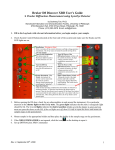
Fig. 15: Making a panel float
NOTE
Floating panels can be used in multi-monitor setups to move parts of the user interface to other
monitors.
DOC-M88-EXX200 V2 – 09.2011
29