1
RBM8 - INTRODUCTION
CANCELLI AUTOMATICI
RBM8 - INSTALLATION MANUAL
-§
1.1
What is CameTCA RBM8?
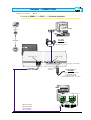
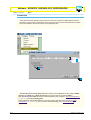
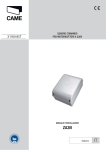
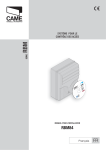
RBM8 is an integrated access-control system totally managed from a Personal Computer
The basic configuration is made up of two items of equipment: the RBM8 and PC30, and of a
proprietary software which is simply installed and easy to use on any computer with the Windows
Disk Operating System.
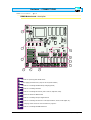
The RBM8 board is the heart of the system, and can be installed at a distance from the computer
(max. 1000 m) in that all the work of functions programming/modification/control, is managed by the
software.
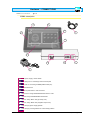
The PC30 instead must be installed close to the computer (max 5 m) because it is the essential tool
for programming the code-command devices. The PC30 dialog indeed brings together all the
decodings necessary for save the CAME-compatible command devices:
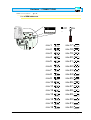
- radio-controls series ATOMO, TAM and TOP;
- keyboards S5000, S6000 and S7000;
- Transponder-card readers TSP00 (proximity) and Magnetic cards LT001.
These devices, which are present also simultaneously, must be quantified depending on the system
set-up and are then supplied upon request.
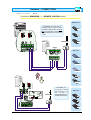
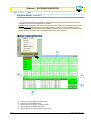
The basic configuration can manage and test up to 8 access automations (doors, gates, bars, etc)
through 4 command devices or; 8 digital entrances are also available for uncoded devices
(alarms, emergency blocks, sensitive boards, etc.) which broaden the functions applied to the access
automations.
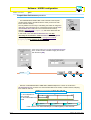
This configuration can support the addition of up to 32 REM expansion items, which allow the
system to expand its capacity of management and control up to 72 access automations through
68 code-command devices and 72 digital inputs.
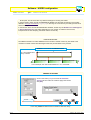
The REM is an expansion board designed to increase the capacity of RBM8 in terms of equipment
and/or devices connected (not necessarily both); they are connected to each other by way of a
serial cable the total length of which can be 1,000 m and where the RBM8 can be at the start
(single-section connection) or in an intermediate position (two-section connection).
ENGLISH
introduction - page < 2 >