1
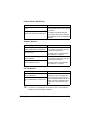
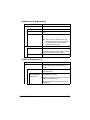
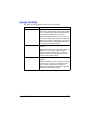
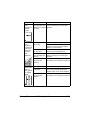
Solving Other Problems
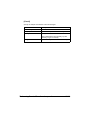
Symptom
Cause
Solution
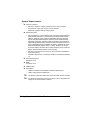
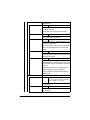
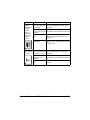
Machine
The power cord is not Turn off the machine, confirm that the
power is not correctly plugged into power cord is correctly plugged into
on.
the outlet.
the outlet, and then turn on the
machine.
Something is wrong
with the outlet connected to the
machine.
Plug another electrical appliance into
the outlet and see whether it operates
properly.
The power switch is
not correctly turned
on (I position).
Turn the power switch off (O position),
then turn it back to the on (I position).
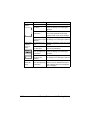
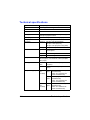
The machine is con- Use a power source with the specifications listed in appendix A, “Technical
nected to an outlet
with a voltage or fre- Specifications.”
quency that does not
match the machine
specifications.
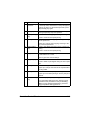
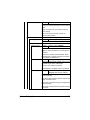
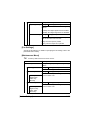
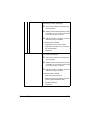
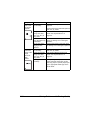
The control
panel displays [Toner
is low.] much
sooner than
expected.
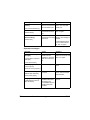
One of the toner car- Remove the toner cartridges and
tridges may be defec- check for damage. If it is damaged,
tive.
replace it.
Printed with heavy
toner coverage.
See specifications in Appendix A.
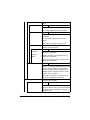
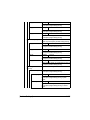
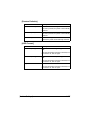
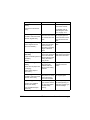
Cannot print The tray is empty.
Check that at least Tray 1 is loaded
the machine
with media, in place, and secure.
status list.
There is a media mis- Clear the media misfeed.
feed.
13-26
Solving Other Problems