1
StarTools 1.3.5 Unofficial User Manual
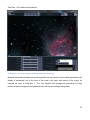
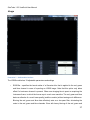
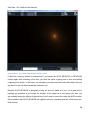
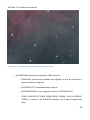
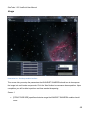
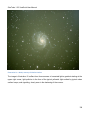
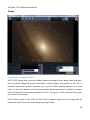
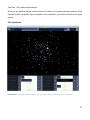
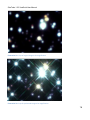
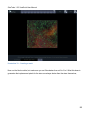
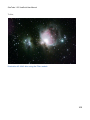
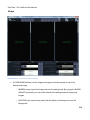
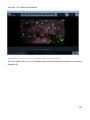
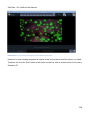
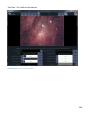
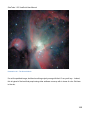
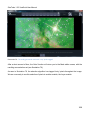
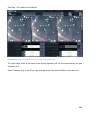
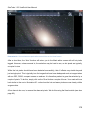
Illustration 76 - The mask with only stars selected.
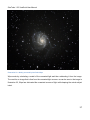
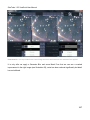
After a short time, the 'Auto' function will return you to the Mask editor screen, with the resulting
new selection set (see Illustration 76). Here you can evaluate the result and touch up the mask if
necessary.
Example 2: Noise Reduction
The following example demonstrates how the Auto feature can be used for Noise reduction. Please
note that is just one of several ways of reducing noise in StarTools. To find out about other types of
noise reduction in StarTools, please see the Denoise and Color module chapters on pages122 and
133 respectively.
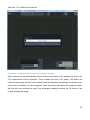
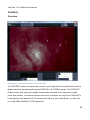
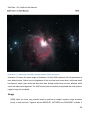
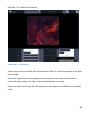
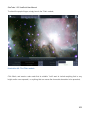
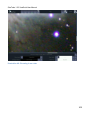
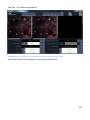
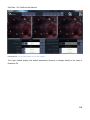
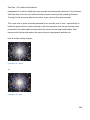
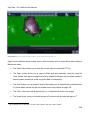
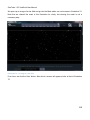
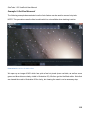
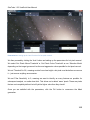
We open up an image of the Keyhole Nebula and go into the Mask editor, as can be seen in
Illustration 65. Note that we cleared the mask in this illustration for clarity - clearing the mask is not
a necessary step.
161