1
THE TRACKING TOOLS UI
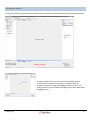
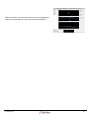
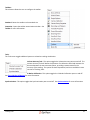
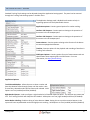
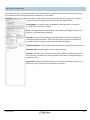
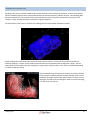
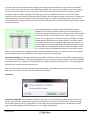
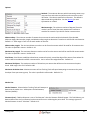
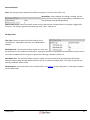
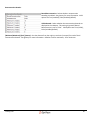
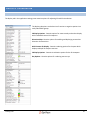
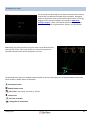
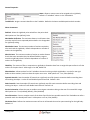
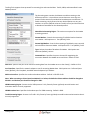
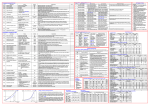
Tracking Tools features a flexible interface which allows it to be easily customized for different tasks and usage patterns.
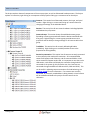
Project
Explorer
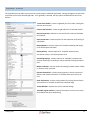
Trackables
Pane
Primary View
Viewport Window
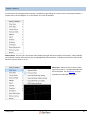
Any pane (except for the Primary View) can be docked to another
location within the application window, or changed to float as a
separate window, by clicking and dragging the pane’s title bar. The
docking behavior can be disabled by holding the control key down while
dragging he pane.
Tracking Tools
14