1
RADview/TDM FCD-E1LC/FCD-T1LC User’s Manual
Chapter 1 Introduction
Edit Configuration Mode
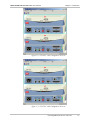
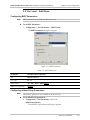
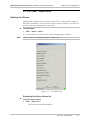
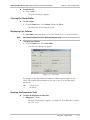
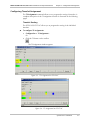
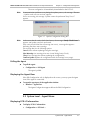
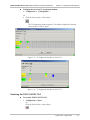
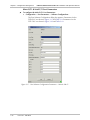
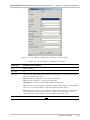
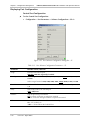
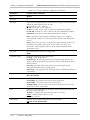
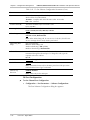
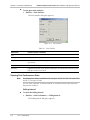
The Edit Configuration mode (top) is always displayed in the FCD-E1LC /FCDT1LC Level window. The Edit Configuration mode is used to design configuration
modifications, without interfering with ongoing FCD-E1LC /FCD-T1LC activities.
Any Edit Configuration can be downloaded to the FCD-E1LC /FCD-T1LC unit.
The contents of the window Title Bar and Menu Bar depend on the selected
view.
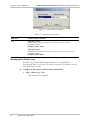
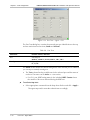
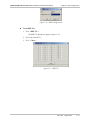
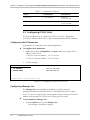
If the Edit Configuration mode is selected, the following appears:
•
Window Title – The window title identifies the selected mode - E (Edit), the
selected configuration (1 to 10), the FCD-E1LC /FCD-T1LC name, and its
current status, Connected or Disconnected. It is possible to prepare a
configuration without being connected to the agent.
•
Window Menu Bar – The Edit Configuration mode menu bar includes the
Configuration, Fault, Window and Help pull-down menus. Menu contents
differ when cards or ports are selected.
Agent Mode
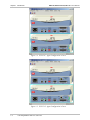
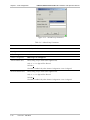
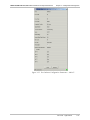
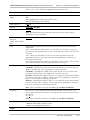
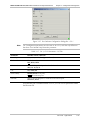
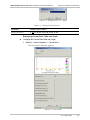
The Agent mode (bottom) displays the current parameters of the agent currently
operating. This data includes system information (hardware and software),
interface information, and channel configuration values. The data displayed in the
Agent mode may be used for comparison and analysis when preparing a
configuration in the Edit Configuration mode.
Diagnostic operations can also be performed at the management station from the
Agent mode. In addition, event and active alarm messages are accessed here.
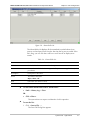
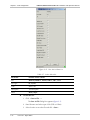
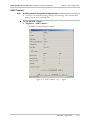
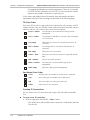
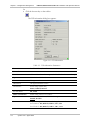
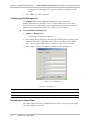
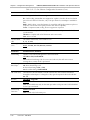
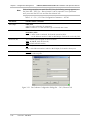
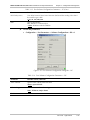
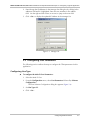
If the Agent mode is selected, the following appears:
1-6
•
Window Title – The window title identifies the selected mode - A (Agent), the
selected configuration (1 to 10), the FCD-E1LC /FCD-T1LC name, and its
current status, Connected or Disconnected.
•
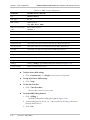
Window Menu Bar – The Agent mode menu bar includes the Configuration,
Statistics, Fault, Window, Options and Help pull-down menus. Menu
contents differ when ports are selected.
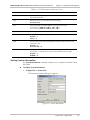
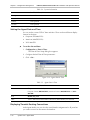
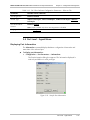
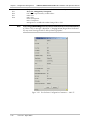
Launching RADview FCD-E1LC /FCD-T1LC