1
Contents
1. Getting to Know Your switch .......................................1
1.1 About the Lantech Switch ......................................................... 1
1.2 Installing Java Machine ..............................................................2
1.3 System Requirements ................................................................2
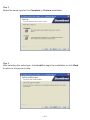
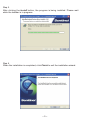
1.4 Preparing to Install LlantechL-view pro ........................................ 3
2. Applying lantech-view pro to Switch Connection ....... 7
2.1 Getting Started with lantech-view pro ...................................... 7
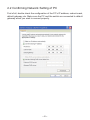
2.2 Confirming Network Setting of PC .............................................8
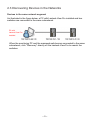
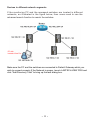
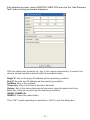
2.3 Discovering Devices in the Networks .........................................9
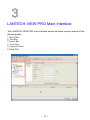
3. lantech-view pro Main Interface ...............................13
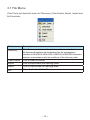
3.1 File Menu .................................................................................14
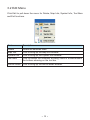
3.2 Edit Menu .................................................................................15
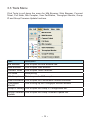
3.3 Tools Menu ...............................................................................16
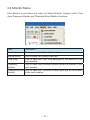
3.4 Monitor Menu ...........................................................................17
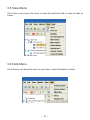
3.5 View Menu ...............................................................................18
3.6 Help Menu ................................................................................18
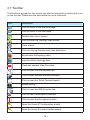
3.7 Tool Bar ....................................................................................19
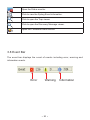
3.8 Event Bar .................................................................................20
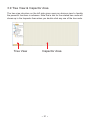
3.9 Tree View & Inspector Area......................................................21
3.9.1 TopoMap .................................................................................. 22
3.9.2 User Management.................................................................... 25
3.9.3 MIB Browser............................................................................. 26
3.9.4 MIB Compiler ........................................................................... 27
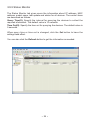
3.9.5 Status Monitor .......................................................................... 29
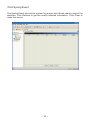
3.9.6 Syslog Event ............................................................................ 30
3.9.7 Group IP Setting ....................................................................... 31
3.9.8 Group Firmware Update Wizard .............................................. 33
3.9.9 Trap View ................................................................................. 35
3.9.10 Discovery Monitor .................................................................. 36
3.9.11 Threshold Events.................................................................... 37
-I-