1
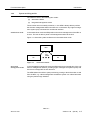
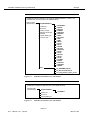
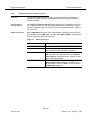
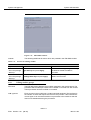
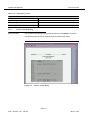
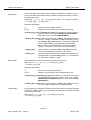
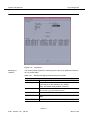
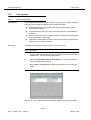
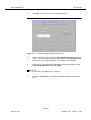
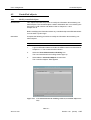
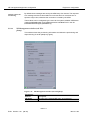
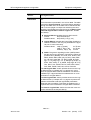
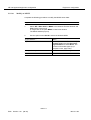
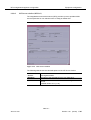
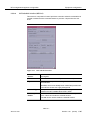
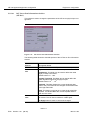
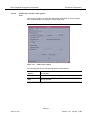
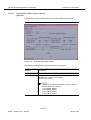
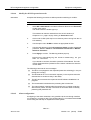
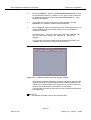
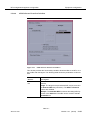
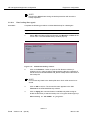
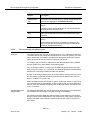
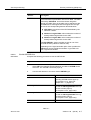
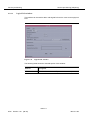
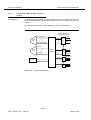
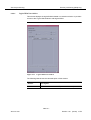
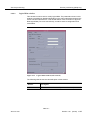
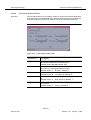
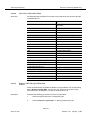
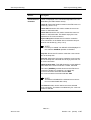
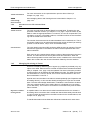
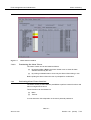
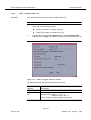
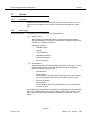
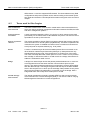
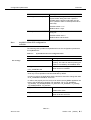
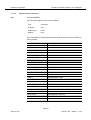
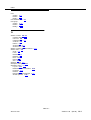
NE management/equipment configuration
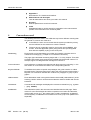
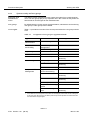
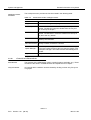
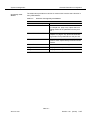
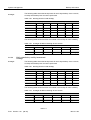
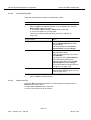
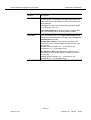
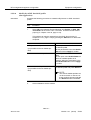
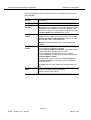
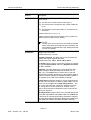
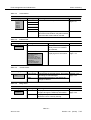
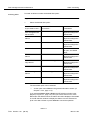
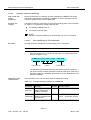
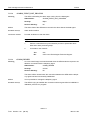
Parameters/
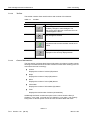
Buttons
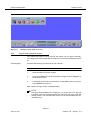
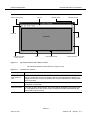
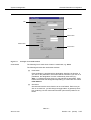
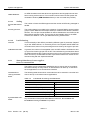
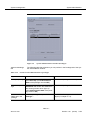
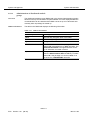
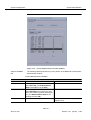
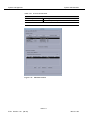
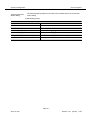
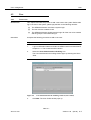
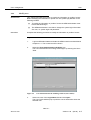
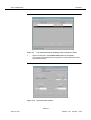
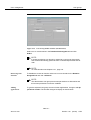
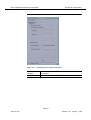
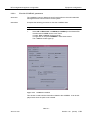
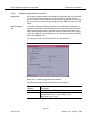
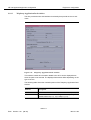
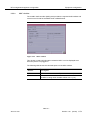
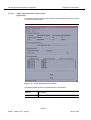
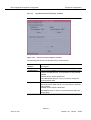
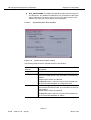
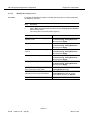
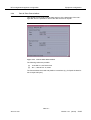
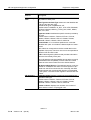
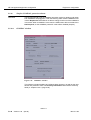
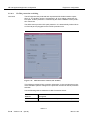
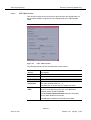
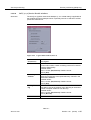
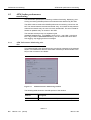
Equipment configuration
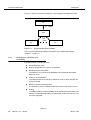
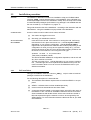
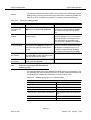
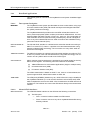
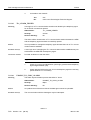
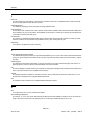
Description
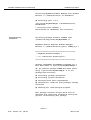
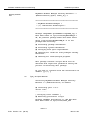
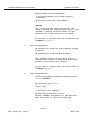
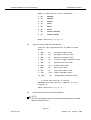
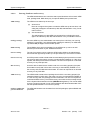
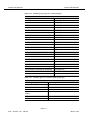
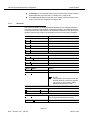
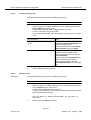
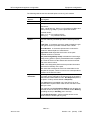
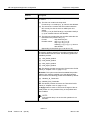
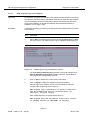
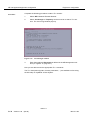
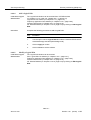
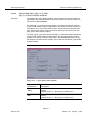
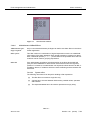
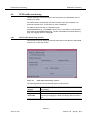
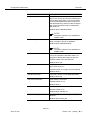
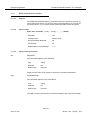
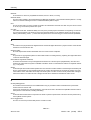
Slot Id
This field displays the slot id.
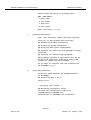
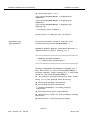
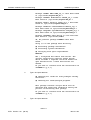
Possible values: ap-1-{1, 15} for FAST shelf (ap-1-{1, 19} for
BAIU shelf) or subap-{1, 8}-{1, 8}.
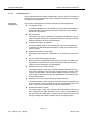
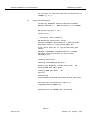
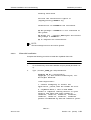
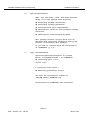
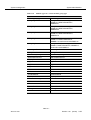
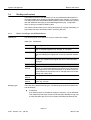
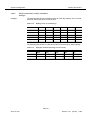
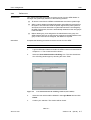
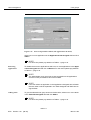
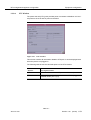
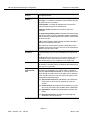
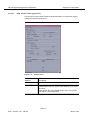
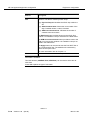
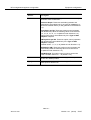
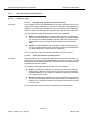
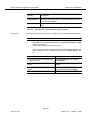
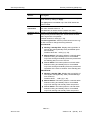
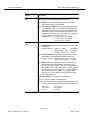
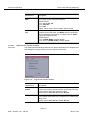
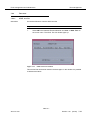
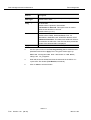
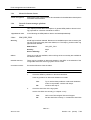
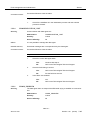
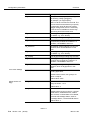
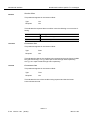
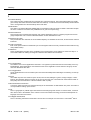
Inventory Information
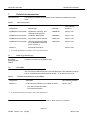
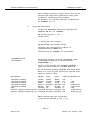
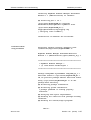
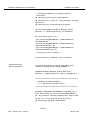
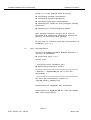
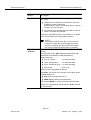
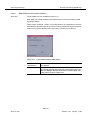
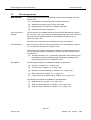
The following fields will be empty if no pack is inserted. Otherwise the read-only text fields provide the following information:
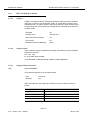
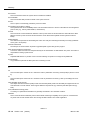
Card Type: 11-character mnemonic used to identify the general type of function provided.
Possible values: ADSL.
Serial Number: 12-character alphanumeric code that includes the date and place of manufacture.
Apparatus Code: Specifies the function of the pack.
Possible values: LPA400, LPA400B, LPA404, LPA414,
LPA408.
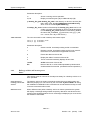
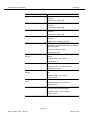
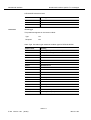
ICC (InterChangeability Code): Indicates the interchangeability among packs to specify forward/backward compatibility. Format of the ICC is m:n where m is the issue number
and n the series number.
CLEI: Code assigned by Bellcore that provides information
about the functionality of the pack.
ECI: Code that corresponds to the bar-coded label on the
faceplate of the pack. There is a one-to-one correspondence
between CLEI and ECI codes.
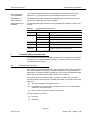
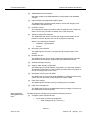
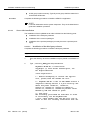
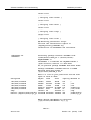
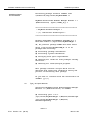
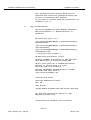
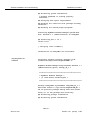
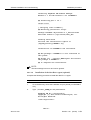
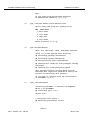
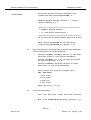
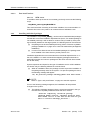
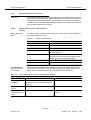
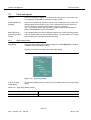
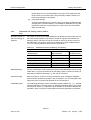
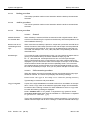
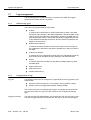
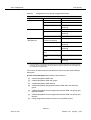
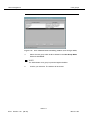
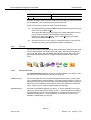
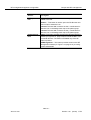
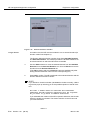
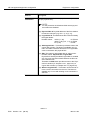
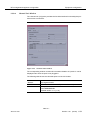
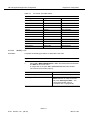
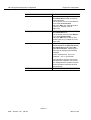
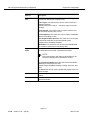
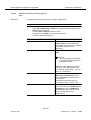
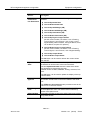
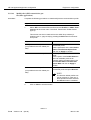
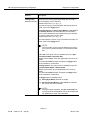
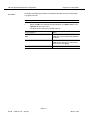
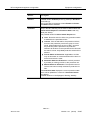
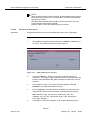
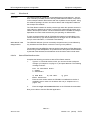
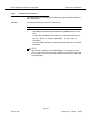
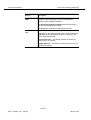
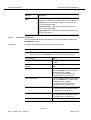
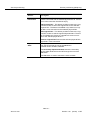
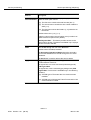
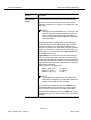
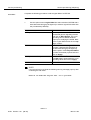
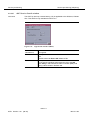
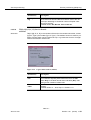
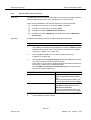
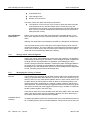
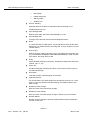
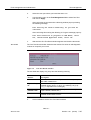
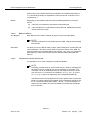
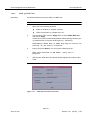
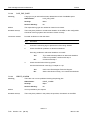
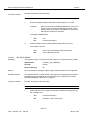
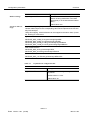
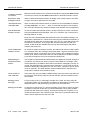
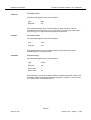
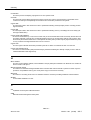
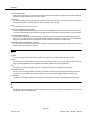
Provisioning In- The option menu Provisioned Pack Type shows ADSL (for
formation
a provisioned slot) and the value None (for a non-provisioned slot). This option menu is available only if the administrative state is Locked.
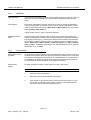
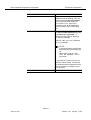
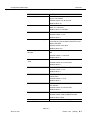
NOTE:
The Provisioned Pack Type may be different from
the Apparatus Code shown in the Inventory Information field. The Apparatus Code is related to a certain
card (LPA400B) whereas the Provisioned Pack Type
is related to a family of cards (ADSL).
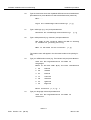
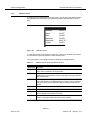
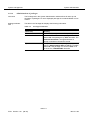
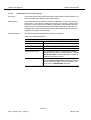
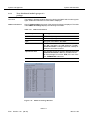
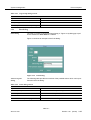
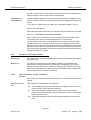
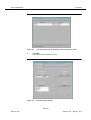
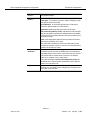
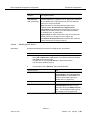
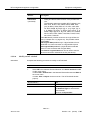
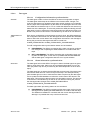
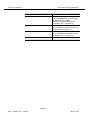
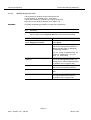
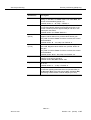
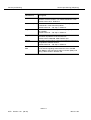
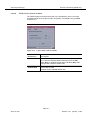
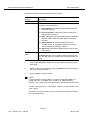
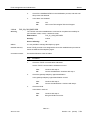
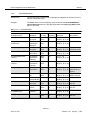
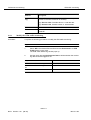
Operational
State
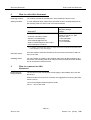
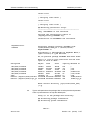
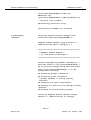
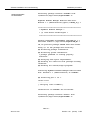
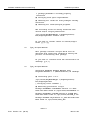
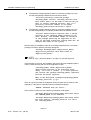
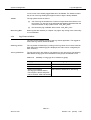
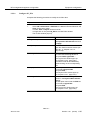
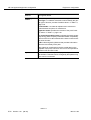
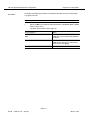
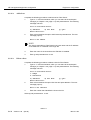
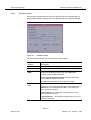
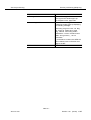
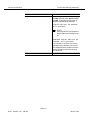
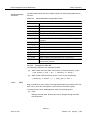
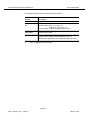
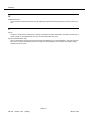
The option menu Administrative State provides the possible states that can be used: Locked, Unlocked.
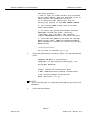
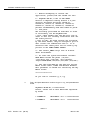
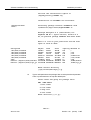
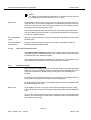
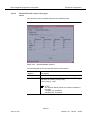
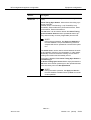
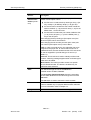
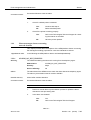
The field Service State shows the state of the AFM feeder
obtained (on demand) by the user.
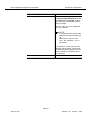
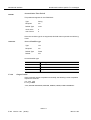
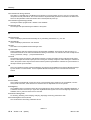
Possible values: Enabled, Disabled, Fault Condition (NE
R1.4), Under Reboot, Under testing, Under SW Download
(NE R1.4), Dormant (NE R1.4).
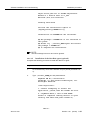
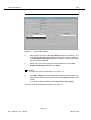
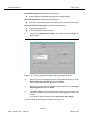
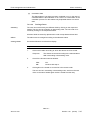
The Get button can be used to update the display of the Operational State.
AEM R1.7
363-211-454
Version 1.00
(06.00)
5-105