1
CHAPTER 4 | Monitoring System Status
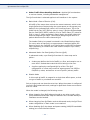
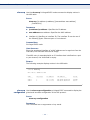
Viewing Memory Logs
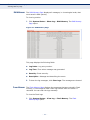
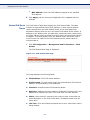
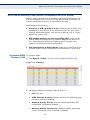
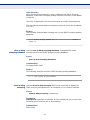
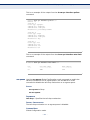
RAM MEMORY The RAM Memory Page displays all messages, in chronological order, that
were saved in RAM (cache).
To view log entries:
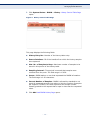
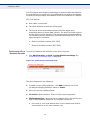
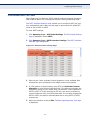
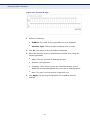
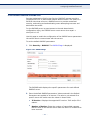
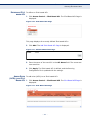
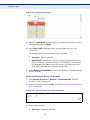
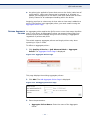
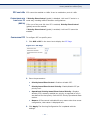
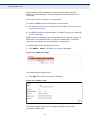
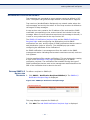
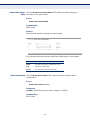
1. Click System Status > Show Log > RAM Memory. The RAM Memory
Page opens.
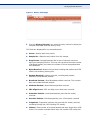
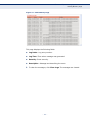
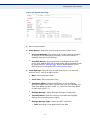
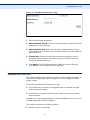
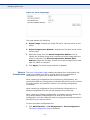
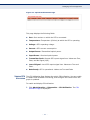
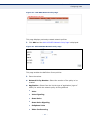
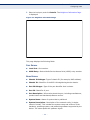
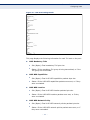
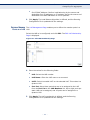
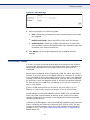
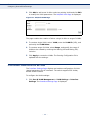
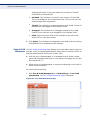
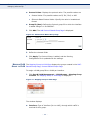
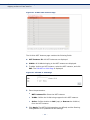
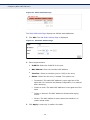
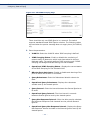
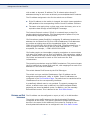
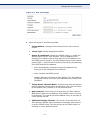
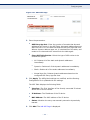
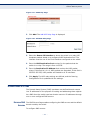
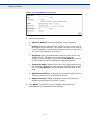
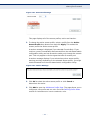
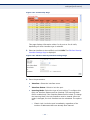
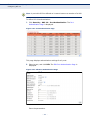
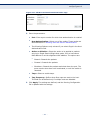
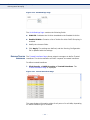
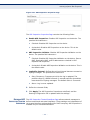
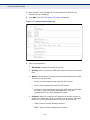
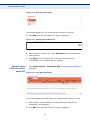
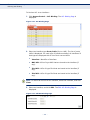
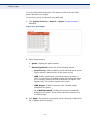
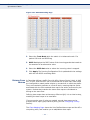
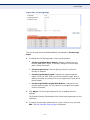
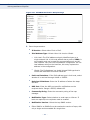
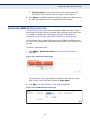
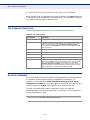
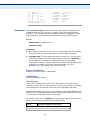
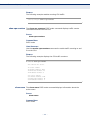
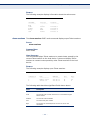
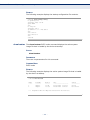
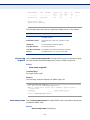
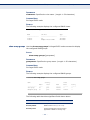
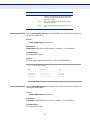
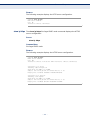
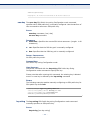
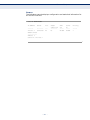
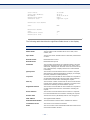
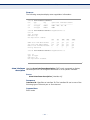
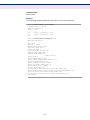
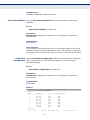
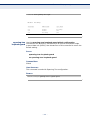
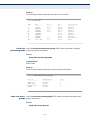
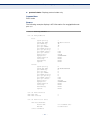
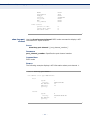
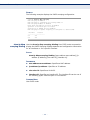
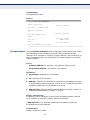
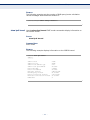
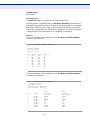
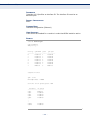
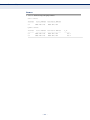
Figure 16: RAM Memory Page
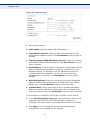
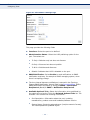
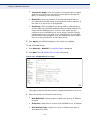
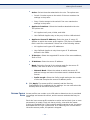
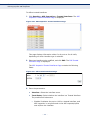
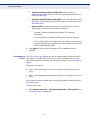
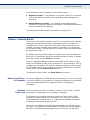
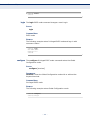
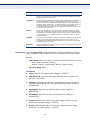
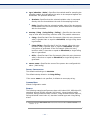
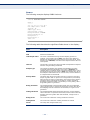
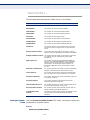
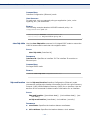
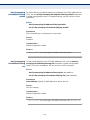
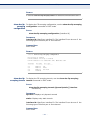
This page displays the following fields:
◆
Log Index—Log entry number.
◆
Log Time—Time when message was generated.
◆
Severity—Event severity.
◆
Description—Message text describing the event.
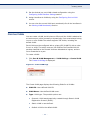
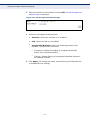
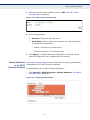
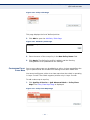
2. To clear the log messages, click Clear Logs. The messages are cleared.
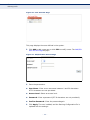
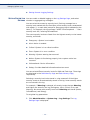
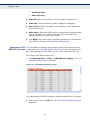
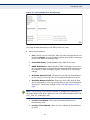
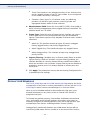
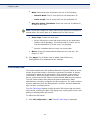
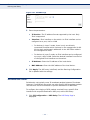
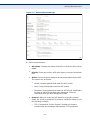
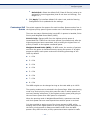
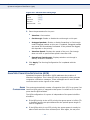
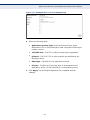
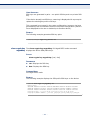
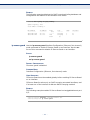
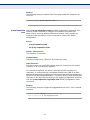
FLASH MEMORY The Flash Memory Page displays the messages that were stored in Flash
memory, in chronological order. Flash logs remain when the switch is
rebooted. You can clear the logs manually.
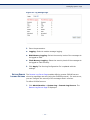
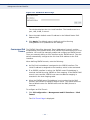
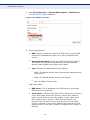
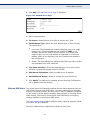
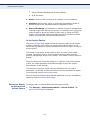
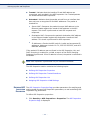
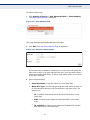
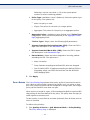
To view the Flash logs:
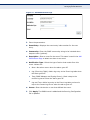
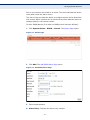
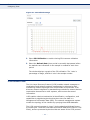
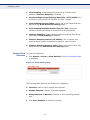
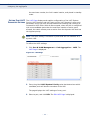
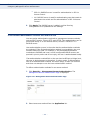
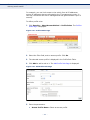
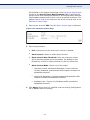
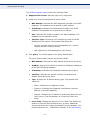
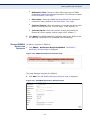
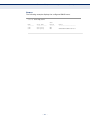
1. Click System Status > View Log > Flash Memory. The Flash
Memory Page opens.
– 84 –