1
ILC 150 VLC
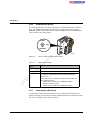
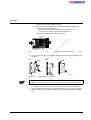
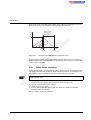
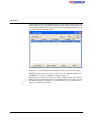
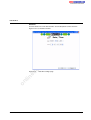
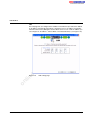
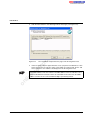
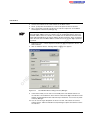
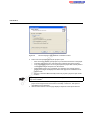
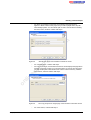
For “Browse or Pick from Most Recently Used”, the “Runtime Connection” wizard
displays the page shown in Figure 3-5. Use the drop-down list to select from
among most recently used projects, enter an absolute path to a project, or click the
“Browse” button to select a project. Click the “Next” button, and then continue with
step 6.
po
ne
nt
s.
co
m
–
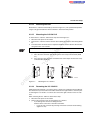
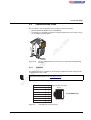
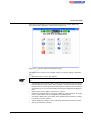
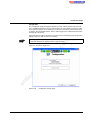
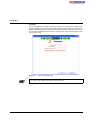
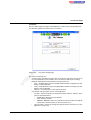
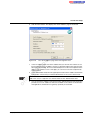
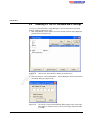
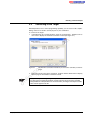
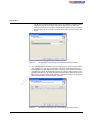
If you selected “Make a restorable copy of the target project”, on the “Project Selection”
page (Figure 3-2 on page 3-6), the “Runtime Connection” wizard displays the page
shown in Figure 3-6. The “Make a Restorable Copy” page of the “Runtime Connection”
wizard lets you enter an absolute path or browse for a directory that you want to use to
save the restorable copy. By default, the path includes the folder “!Restorable” followed
by a folder for the name of the target, and then a folder that is the name of the project.
Click the “Next” button, and then continue with step 7.
on
lin
e
co
6.
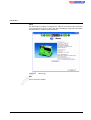
The “Browse for Project” page of the “Runtime Connection” wizard.
m
Figure 3-5
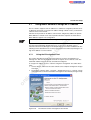
Figure 3-6
3-8
PHOENIX CONTACT
The “Make a Restorable Copy” of the “Runtime Connection” wizard.
2404_en_A