1
II. Turning on/off the Device
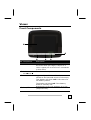
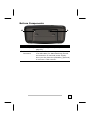
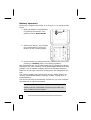
Press the on/off button on the front side when you switch the
device on for the first time.
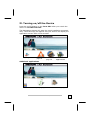
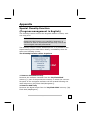
The Navigation System will start the initial installation automatically. The brand logo will appear and your device will display the
application screen after a few seconds.
Settings
Navigation
page 24
Travelguide
page 38
Additional
applications
Additional applications
MP3 player, page 31
Initial Set-up
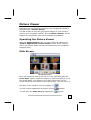
Picture Viewer, page 35
19