1
Preparations
15
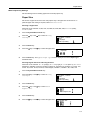
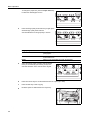
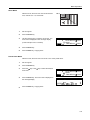
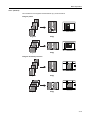
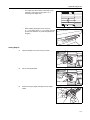
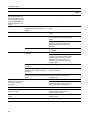
Press the # key.
16
Enter the next block of 3 digits of the address in the
highlighted area.
IP Address
10 .
17
Continue the same procedure for the other 2 blocks.
18
Press the Enter key.
0.
0.
0
0.
0
0.
0
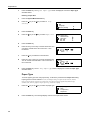
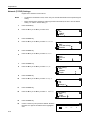
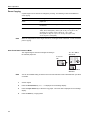
Next, set the subnet mask.
Registering Subnet Mask
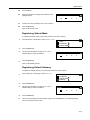
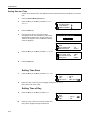
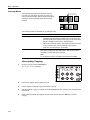
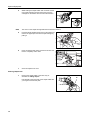
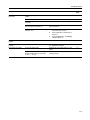
To register the subnet mask, continue the procedure from step 18 above.
1
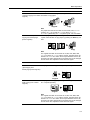
Press the S key or the T key to select Subnet Mask.
2
Press the Enter key.
3
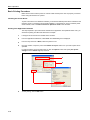
Use the same procedure as steps 14 to 17 of IP
address setting to input the address.
TCP/IP Setting
DHCP
IP Address
Subnet Mask
Subnet Mask
0.
4
0.
Press the Enter key.
Next, set the default gateway.
Registering Default Gateway
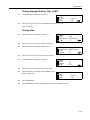
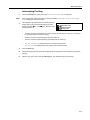
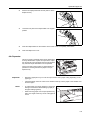
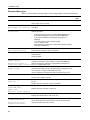
To register the default gateway, continue the procedure from step 4 above.
1
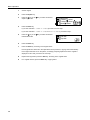
Press the S key or the T key to select Gateway.
2
Press the Enter key.
3
Use the same procedure as steps 14 to 17 of IP
address setting to input the address.
TCP/IP Setting
IP Address
Subnet Mask
Gateway
Gateway
0.
0.
4
Press the Enter key.
5
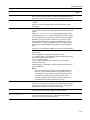
When you finish making all of the network setting, press the Reset key. The message display
returns to the printer basic screen.
2-13