1
R E D C AT U s e r M a n u a l
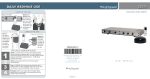
DAILY USE INSTRUCTIONS
R E D C AT U s e r M a n u a l
USER NOTES
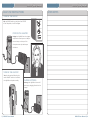
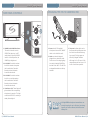
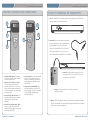
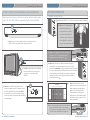
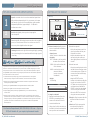
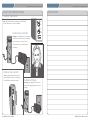
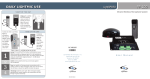
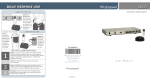
TURN ON THE REDCAT
Flip the POWER switch on the side of the REDCAT
CH A
to the ON position, the LED will glow.
CH B
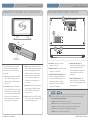
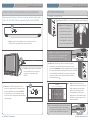
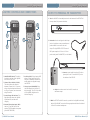
POSITION THE LIGHTMIC
POWER
Unplug the LightMic from the charger
and place it around your neck. Adjust
the neck strap so the top of the
LT-71
microphone rests just below your
collarbone.
LT-71
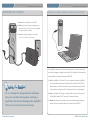
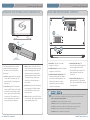
TURN ON THE LIGHTMIC
Turn the microphone ON using the
switch ON/OFF switch on the side of
the LightMic and speak normally.
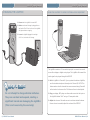
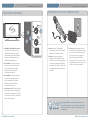
CHARGE BATTERIES
Recharge the LightMic at the end of
LT-71
A CH B
OFF
ON
each day by plugging it back into the
charger.
ii | REDCAT User Manual
REDCAT User Manual | 20