1
National Institute for Health & Care Excellence
8
OCLC WorldShare Instructions
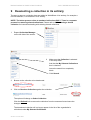
Deselecting a shared collection
Where a library has cancelled its subscription to an electronic collection that was added to
WorldShare and shared with other organisations, the collection must be 1) deselected by all
of the organisations it has been shared with before 2) it is deselected by the sharing
organisation.
NOTE: the below process refers to shared collections ONLY.
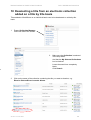
There is a separate process for deselecting all other collections. Please refer to 9
Deselecting a collection in its entirety and 10 Deselecting a title from an electronic
collection added on a title by title basis.
1
Deselecting a collection shared by another organisation
1
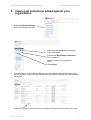
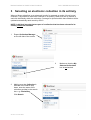
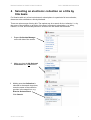
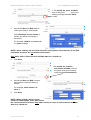
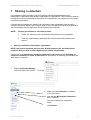
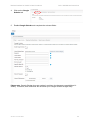
Expand Collection Manager
on the left side of the screen.
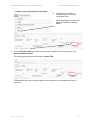
2
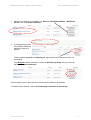
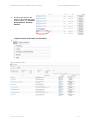
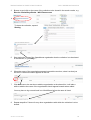
Make sure that Collection is selected
in the drop-down.
And that the My Selected Collections
box is checked.
Leave the search box completely
blank.
Click Search.
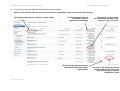
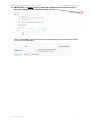
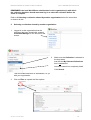
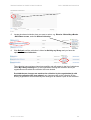
This will list all the collections selected against your organisation on WorldShare, so
filter to just those shared with your organisation.
Version 2: June 2015 21