1
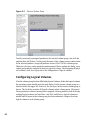
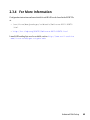
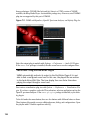
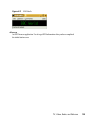
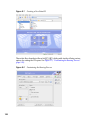
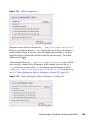
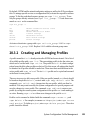
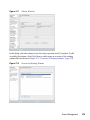
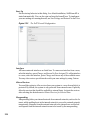
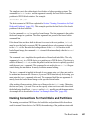
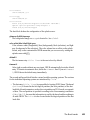
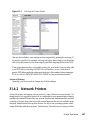
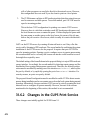
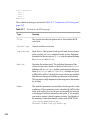
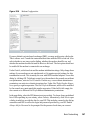
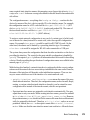
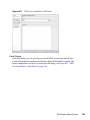
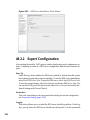
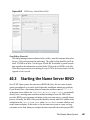
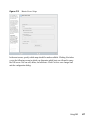
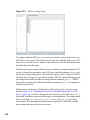
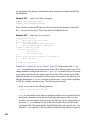
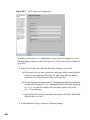
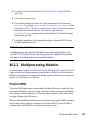
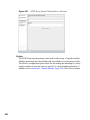
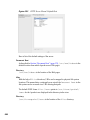
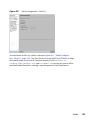
Figure 40.3
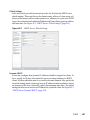
DNS Server Installation: Finish Wizard
40.2.2 Expert Configuration
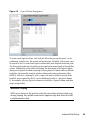
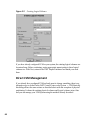
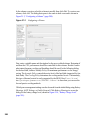
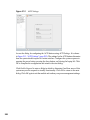
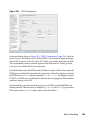
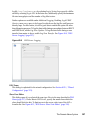
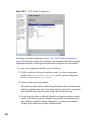
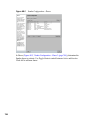
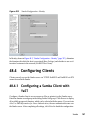
After starting the module, YaST opens a window displaying several configuration options. Completing it results in a DNS server configuration with the basic functions in
place:
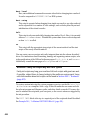
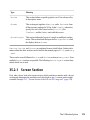
Start-Up
Under Booting, define whether the DNS server should be started when the system
boots (during booting the system) or manually. To start the DNS server immediately,
select Start DNS Server Now. To stop the DNS server, select Stop DNS Server Now.
To save the current settings, select Save Settings and Restart DNS Server Now. You
can open the DNS port in the firewall with Open Port in Firewall and modify the
firewall settings with Firewall Details.
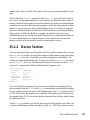
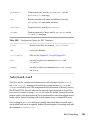
Forwarders
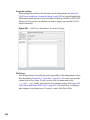
This is the same dialog as the one opened after starting the wizard configuration
(see Forwarder Settings (page 594)).
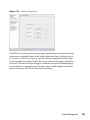
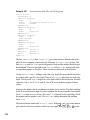
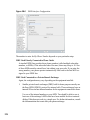
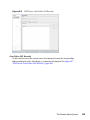
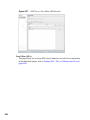
Logging
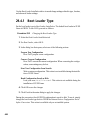
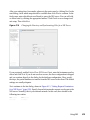
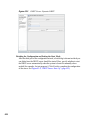
This section allows you to set what the DNS server should log and how. Under Log
Type, specify where the DNS server should write the log data. Use the systemwide
596