1
Chapter 8 Appendix
5.
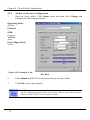
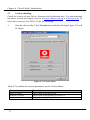
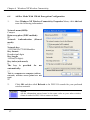
Click OK to accept these settings and reboot the PC.
8.3
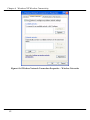
Windows XP Configuration of TCP/IP network protocol for DHCP
server
For Windows XP, you do not need to install the TCP/IP protocol as it is installed
when you install a network card. Therefore only the configuration for TCP/IP is
shown.
1.
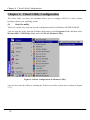
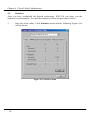
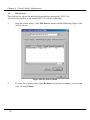
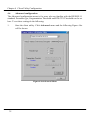
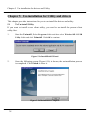
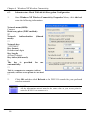
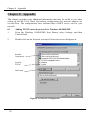
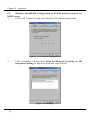
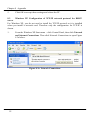
From the Windows XP Start menu - click Control Panel, then click Network
and Internet Connections. Then click Network Connections to open Figure
8.3a below.
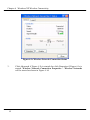
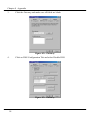
Figure 8.3a Network Connections
55