1
Sommaire
1 General Introduction.......................................................................................................3
1.1
Accessories.....................................................................................................................................3
1.2
Features ...........................................................................................................................................3
1.3
Specifications .................................................................................................................................4
1.3.1
Performance..............................................................................................................................................................................................................4
1.3.2
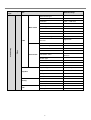
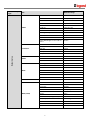
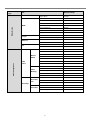
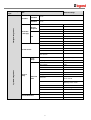
Factory Default Settings .....................................................................................................................................................................................5
2 Framework ......................................................................................................................10
2.1
Dimensions....................................................................................................................................10
2.2
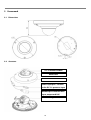
Structure ........................................................................................................................................10
3 Installation.......................................................................................................................11
3.1
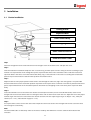
Device Installation........................................................................................................................11
4 Connecting to a device and opening the web application ...................................12
4.1
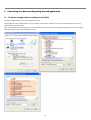
IE options configuration for config tool and and IE..............................................................12
4.1.1
Connection with the Search Tool................................................................................................................................................................ 13
4.1.2
Connection with Internet Explorer .............................................................................................................................................................. 13
4.2
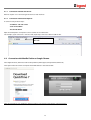
Connection with Mozilla Firefox or Google Chrome.............................................................13
5 Quick Configuration Tool ............................................................................................14
5.1
Introduction...................................................................................................................................14
5.2
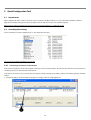
Searching/Connecting.................................................................................................................14
5.2.1
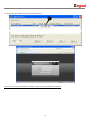
Connecting to the device’s web interface............................................................................................................................................... 14
5.3 Connecting with the configuration tool (to change the IP address or upgrade the
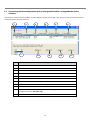
device software. ......................................................................................................................................16
5.4
Main interface of the tool............................................................................................................18
5.4.1
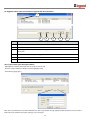
Network settings .................................................................................................................................................................................................. 18
5.4.2
System Information ............................................................................................................................................................................................ 18
5.4.3
System Upgrade .................................................................................................................................................................................................. 19
6 Resetting the camera....................................................................................................19
2