1
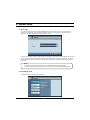
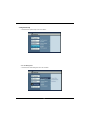
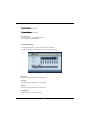
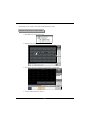
4.5.2.3 Remote Control ID
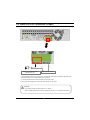
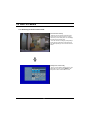
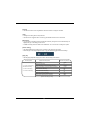
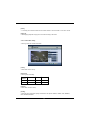
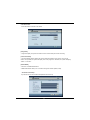
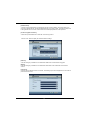
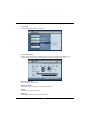
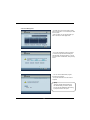
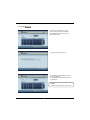
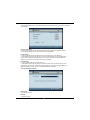
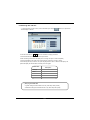
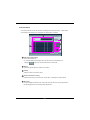
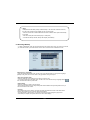
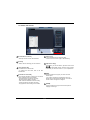
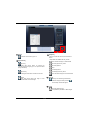
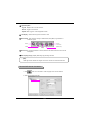
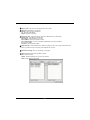
• In the situation where multiple DVR are using their own remote controller the Remote controller ID menu
allows configure each controller to have it’s own ID.
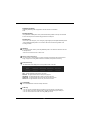
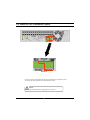
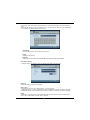
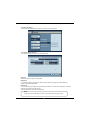
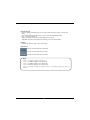
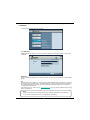
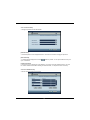
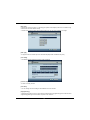
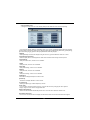
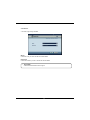
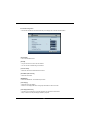
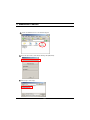
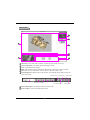
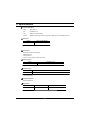
[Remote ID]
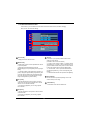
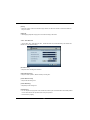
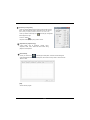
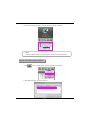
• In order to control the DVR with a remote controller, set the DVR and the remote control ID the same.
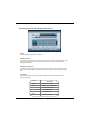
• Click the
button to set a unique Remote control ID.
☞ [Note]
• The Remote ID must be of four digit for example, When the Remote ID is ‘0’ input
‘0000’.
• By default, the Remote ID of the DVR is set to ‘0’. With the Remote ID set to ‘0’, you
can control the DVR without adjusting the remote controller.
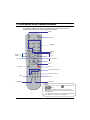
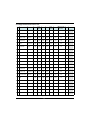
• To change the remote controller ID, press [SysID] button, and input the ID of the
corresponding system. Then, press [SysID] button again.
• Setting the Remote IDs of several DVRs to ‘0’ lets you control all of them at once.
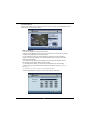
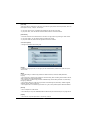
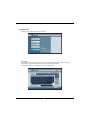
4.5.2.4 Beep Setup
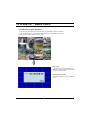
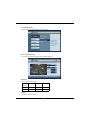
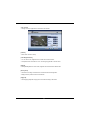
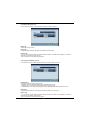
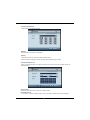
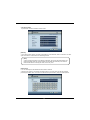
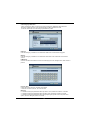
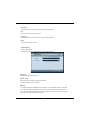
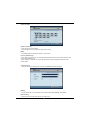
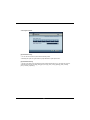
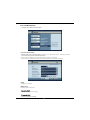
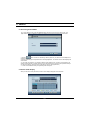
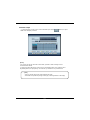
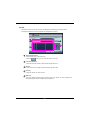
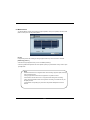
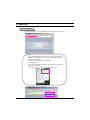
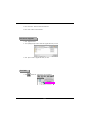
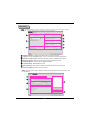
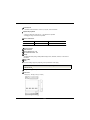
• Select the delay time (sec) between video signal loss and beep alarm activation.
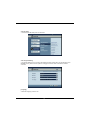
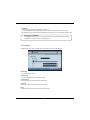
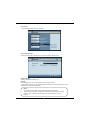
[Video loss Beep delay time]
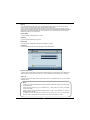
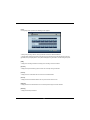
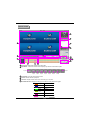
• The delay time for the video loss alarm can be set. If you do not wish to use the video loss Beep then set
the menu to ‘off’ using the mouse or jog and shuttle dial.
81