1
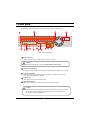
1.1 Front panel
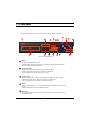
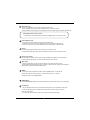
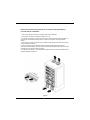
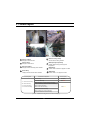
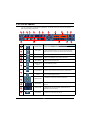
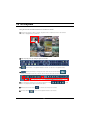
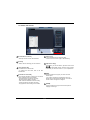
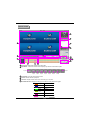
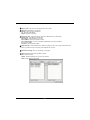
The following describes the keys and ports on the front of the system and their functions:
2
1
16
9
8
3
6
10 11
14
17
7
12
15
13
4
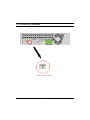
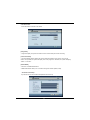
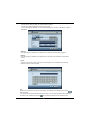
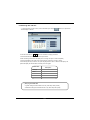
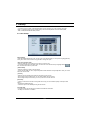
[System front view(KSR-916)]
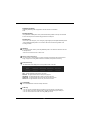
1
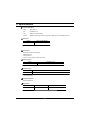
[Power]
• Use this button to shutdown the DVR.
• When the button is pressed a password menu will pop-up and password details should be
entered click [OK] and the DVR will turn off.
2
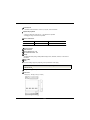
[Shuttle (outer dial)]
• Rotate to play the recordings, in Search mode, forward or backward.
• Rotate to change the value of options continuously in Setup mode.
• When controlling P/T/Z camera. rotate to zoom in or out.
3
[Jog (Inner dial)]
• Rotate to view recordings, in Search mode, forwards or backwards one frame at a time.
Rotate to change the value of options one unit at a time in Setup mode.
When controlling P/T/Z camera, rotate to shift camera lens focus.
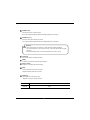
4
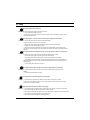
[HOLD]
• When using the Shuttle dial you can press the [HOLD] button to maintain the present shuttle
speed.
• Press the [HOLD] button again to deactivate the feature.
5
[Enter Key]
• Use to select option in Setup or Search mode. Use to directly go to Control setup mode from
the Surveillance mode.
17
18
5