1
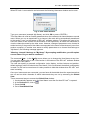
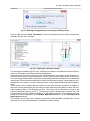
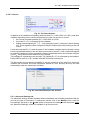
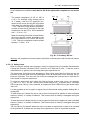
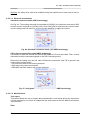
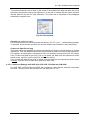
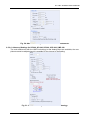
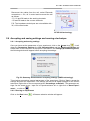
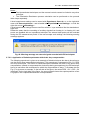
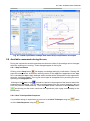
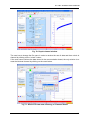
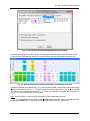
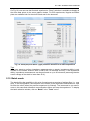
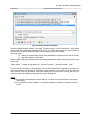
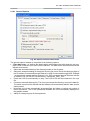
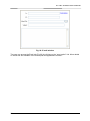
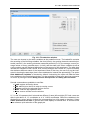
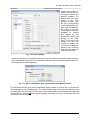
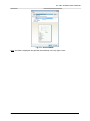
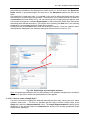
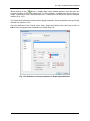
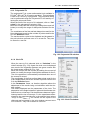
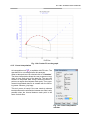
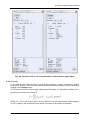
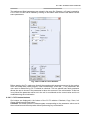
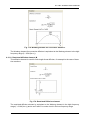
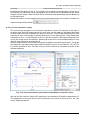
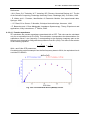
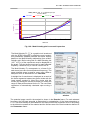
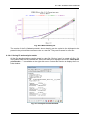
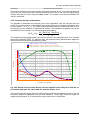
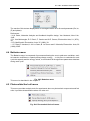
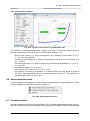
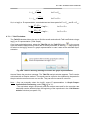
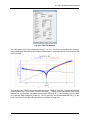
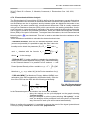
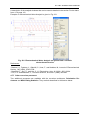
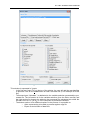
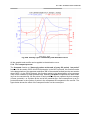
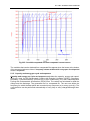
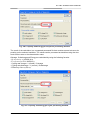
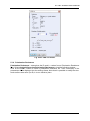
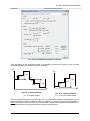
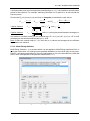
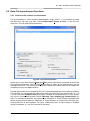
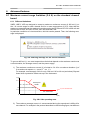
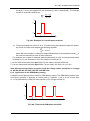
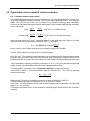
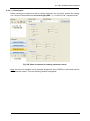
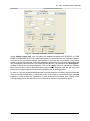
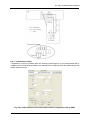
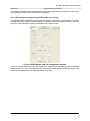
EC-Lab Software User's Manual Disconnect the cables from the cell, select Electrode connections = -3V,+14 V control and reconnect the cell as follows: - P1, S1 and S2 leads to the working electrode - S3 and P2 leads to the counter electrode P.S: The impedance techniques are not available with 3V;+14V control mode. Fig. 58:-3V;+14V control mode for SP-300 technology. 2.6 Accepting and saving settings and running a technique 2.6.1 Accepting and saving settings Once you have set the parameters of your experiment, click on the Accept icon . It validates the Parameters Settings, the Cell Characteristics and the Advanced Settings and sends them to the instrument. If the option is activated in the Config\option\Warning menu, the following window will appear before accepting the settings: Fig. 59: Summary window before accepting settings (VMP3 technology). This window summarizes several parameters of the experiment. Click on Yes to accept the settings and start the experiment. The settings can be set as default settings for the current technique. Right-click on the mouse and select “Set settings as Default”. The parameter settings can be saved as an *.mps file in Experiment\save as\ or right-click on Save Experiment…, or click on . 2.6.2 Running an experiment Click on the Run button 40 . A filename selection window will appear: