1
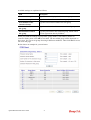
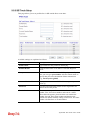
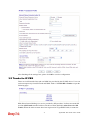
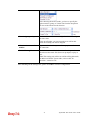
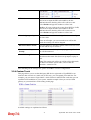
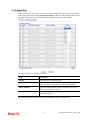
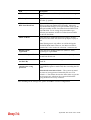
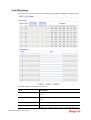
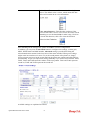
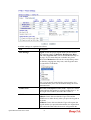
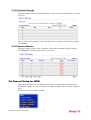
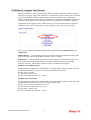
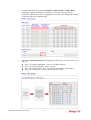
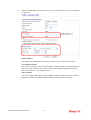
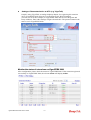
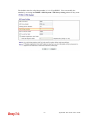
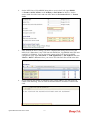
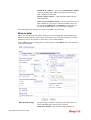
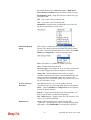
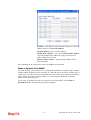
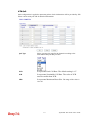
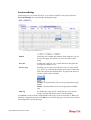
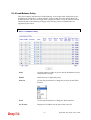
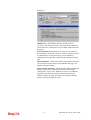
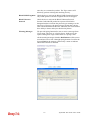
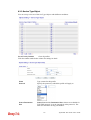
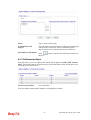
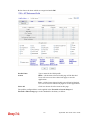
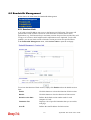
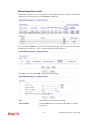
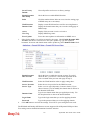
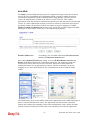
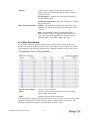
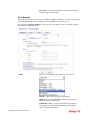
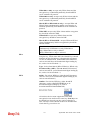
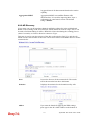
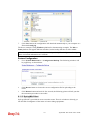
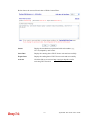
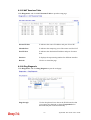
Download – Type the transmitting rate for data download.
Default value is 30,000 kbps.
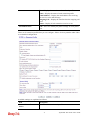
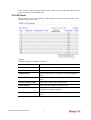
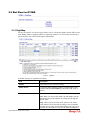
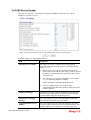
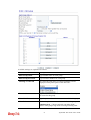
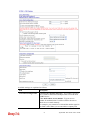
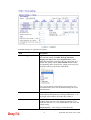
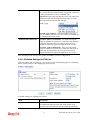
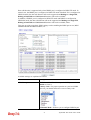
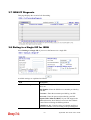
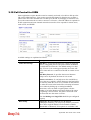
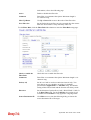
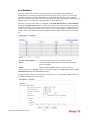
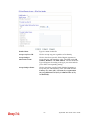
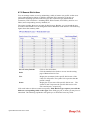
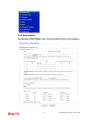
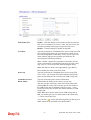
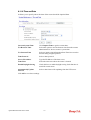
6.9.3 Security
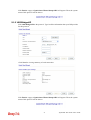
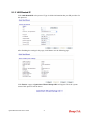
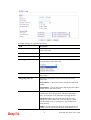
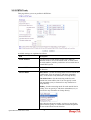
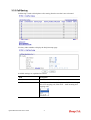
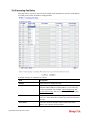
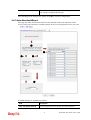
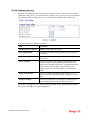
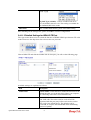
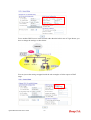
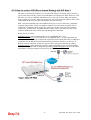
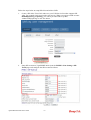
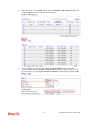
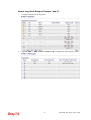
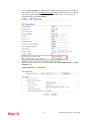
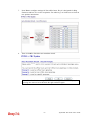
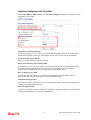
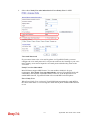
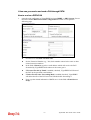
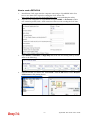
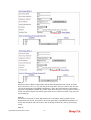
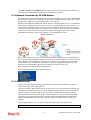
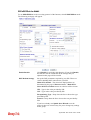
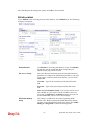
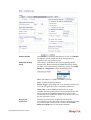
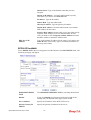
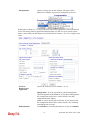
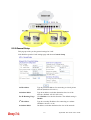
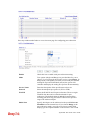
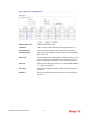
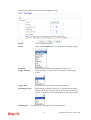
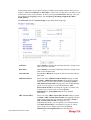
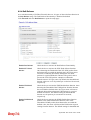
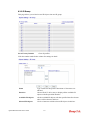
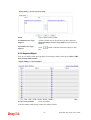
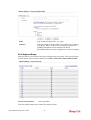
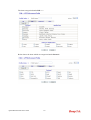
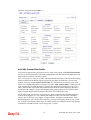
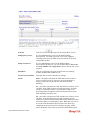
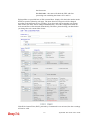
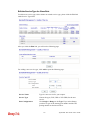
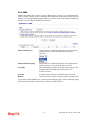
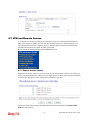
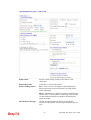
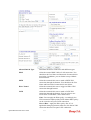
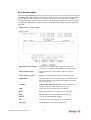
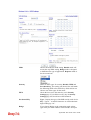
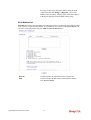
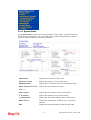
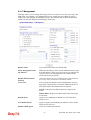
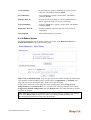
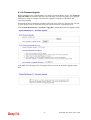
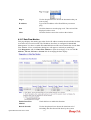
This page allows you to set security with different modes for SSID 1, 2, 3 and 4 respectively.
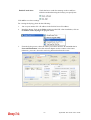
After configuring the correct settings, please click OK to save and invoke it.
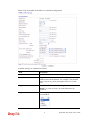
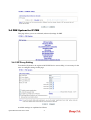
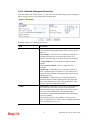
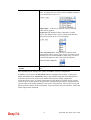
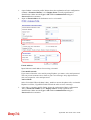
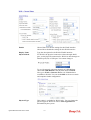
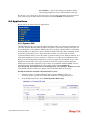
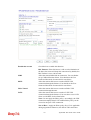
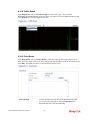
By clicking the Security Settings, a new web page will appear so that you could configure
the settings of WEP and WPA.
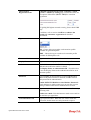
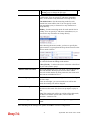
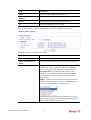
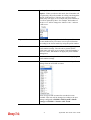
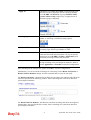
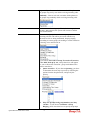
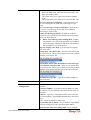
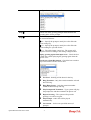
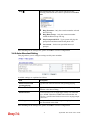
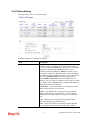
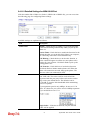
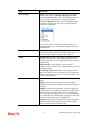
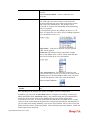
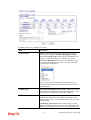
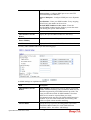
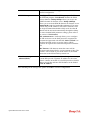
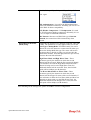
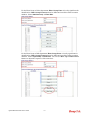
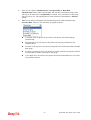
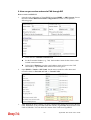
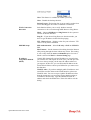
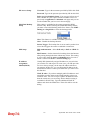
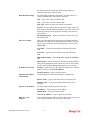
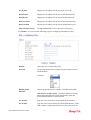
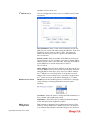
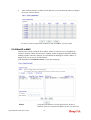
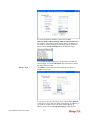
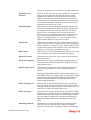
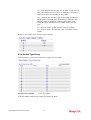
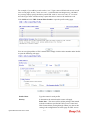
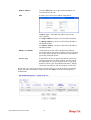
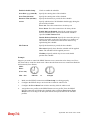
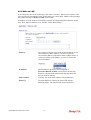
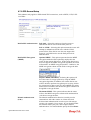
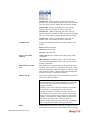
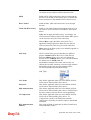
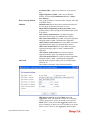
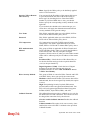
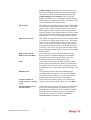
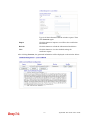
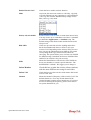
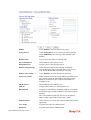
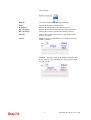
Mode
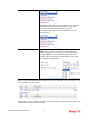
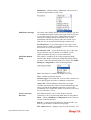
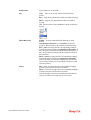
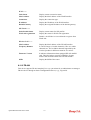
There are several modes provided for you to choose.
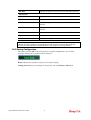
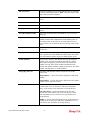
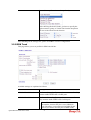
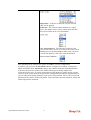
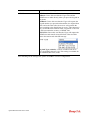
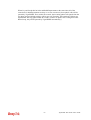
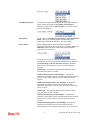
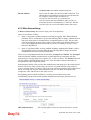
Disable - Turn off the encryption mechanism.
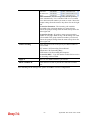
WEP-Accepts only WEP clients and the encryption key
should be entered in WEP Key.
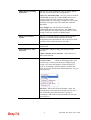
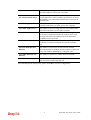
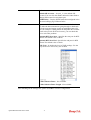
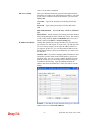
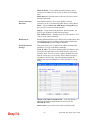
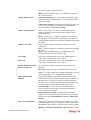
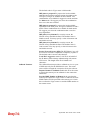
WEP/802.1x Only - Accepts only WEP clients and the
encryption key is obtained dynamically from RADIUS
server with 802.1X protocol.
VigorIPPBX 2820 Series User’s Guide
323