1
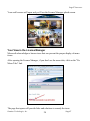
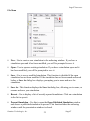
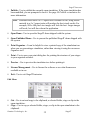
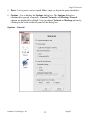
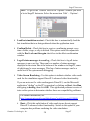
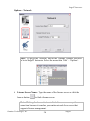
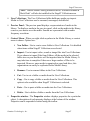
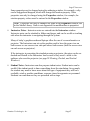
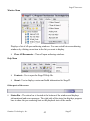
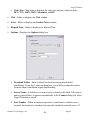
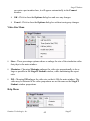
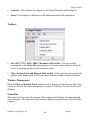
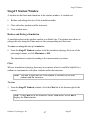
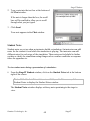
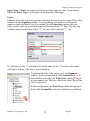
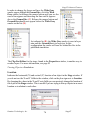
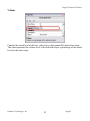
StageIT Instructor File Menu New - Use to create a new simulation in the authoring window. If you have a simulation open and it has been modified, you will be prompted to save it. Open - Use to open an existing simulation. If you have a simulation open and it has been modified, you will be prompted to save it. Save - Use to save a modified simulation. This function is disabled if the open simulation has not been modified. If the simulation has not been named and saved before, a Save As dialog box displays, prompting you to name and save the simulation. Save As - This function displays the Save As dialog box, allowing you to name, or rename and save your simulation. Recent - Use to display a list of recently opened simulations. Click on a simulation in the list to open it. Present Simulation - Use this to open the Open Published Simulation window and choose a published simulation to present. This function hides the authoring window until the presentation window is closed. Iluminar Technologies, Inc. 31 StageIT