1
184 Exporting
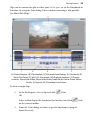
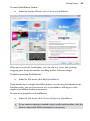
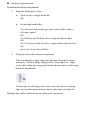
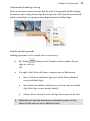
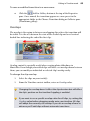
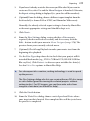
To rename your chapter:
•
In the Button Properties dialog, enter a new Name (or edit the existing
name).
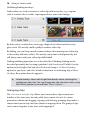
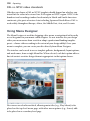
Creating multi-level menus
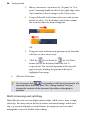
In advance of entering Menu Designer, your chapter points need to be defined
for your project. If you want to create multi-level menus, chapter points for your
top-level menu have to be additionally set as "Top Level" chapter points. This is
done from the General tab, on the Properties pane, when your chapter point is
selected—simply select the Top Level option, adding your own text if required.
All other chapter points without this option enabled are automatically relegated
to lower-level menus.
For more information about chapter points, see Using chapter points on p. 94.
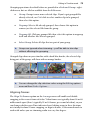
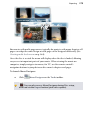
Setting background music
By default, no background music is played when your disc menu is displayed on
your target device. However, it's often a nice finishing touch to complement
your menu design with supporting audio—use it for instructional reasons or to
simply play background music. The audio stream of a video file can also be used
as background music.
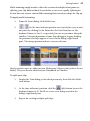
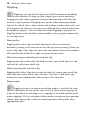
If you've used a background video on your menu, you can use its
audio as a page soundtrack. The same music can be applied to all
pages or you can apply different music to the current page only
using options in the Page Setup dialog. Enable Apply changes to
this page only or Apply changes to all pages to make the music play
just on the current page or across all pages.