1
11
12
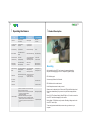
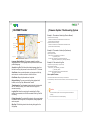
Recording Images
Parking Mode Recording (10fps)
0.3 MB Camera
Press and hold the “Manual Recording Button”. This reduces the video rate to
10fps which saves SD™ Card storage. Records up to 15 hours with 4GB
micro SD™Card
120° Angle
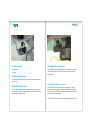
Event Recording Storage
An extreme motion detected by the G-Sensor will be recorded and stored as
an “Event” file.
Manual Recording Storage
Press the “Manual Recording Button” to manually store images you want to
record separately: these are stored as a“Manual” file. The LED will flash red
and blue when “Manually Recording”.
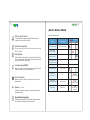
Constant Recording (when engine is off)
A Harness Power Cord is required to record in “Parking Mode”. This cord
should be professionally installed and draws power directly from the battery.
This will allow continuous 24 hour recording on an 8GB micro SD™ Card and
Parking Mode Recording if needed.
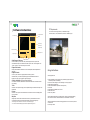
Note: SD™ Card will be overwritten if recording for long periods of time. If you