1
15. Logger
The Logger Control keeps a running log of notable events that may occur while a system is running.
Use with the Event Handler Control to specify when and what to log.
16. Event Handler
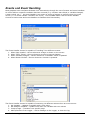
The Event Handler Control is a powerful control used to define actions to perform when a certain event
occurs. Actions can be setting values, writing to a PLC, navigating to a new page, etc… just to name a
few. Events can be a Timer tick, a Page load, a button click, etc… An action defines what should be
performed, and an event defines when and/or on what condition the action should be performed. The
Event Handler Control is functional only, and is therefore not displayed on the user interface at
runtime.
17. Popup Window
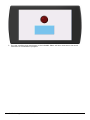
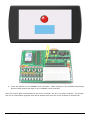
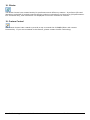
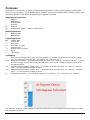
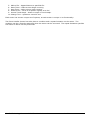
The Popup Window Control is used to define a popup window to display under a certain condition. The
condition is configured in the Popup Window Control's properties, but the actual content of the popup
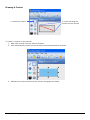
window is created as a Page. Drawing a Popup Window Control on the canvas defines size of the
popup window and location where the popup window will display.
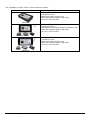
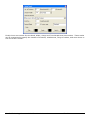
"I'm a popup window!" textbox.
"OK" button
"Cancel" button
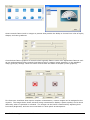
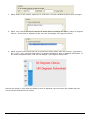
When drawing a Popup Window Control on the canvas, the controls in the in the Page to be displayed
will show as green dotted lines. It may be necessary to reposition the controls on the Page to ensure
they fit within the popup window.
Comfile Technology Inc.
CUPANEL – User's Manual
32 of 64