1
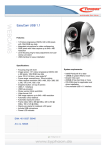
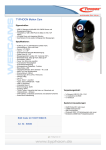
Hardware Installation 1. Connect the camera to one of your router’s LAN ports with the included network cable. 2. Power on the camera. 3. Allow the camera to properly start up. The startup sequence has ended when the camera stops moving its lens up and down and to the left and right. Connect to the camera with your computer 1. Connect your computer to the same router as the camera, either wirelessly or with a network cable. 2. Open up the network environment within Windows. Windows XP: Click on “My Network Places.” Windows 7: Locate and click on the “Network” icon on the desktop. Windows 8 / 8.1: Open the desktop first, and then locate and click on the “Network” icon.