1
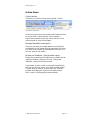
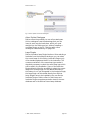
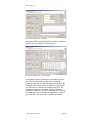
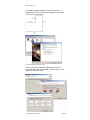
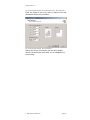
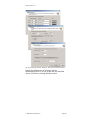
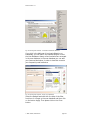
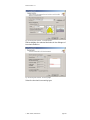
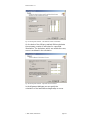
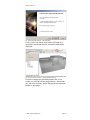
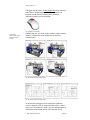
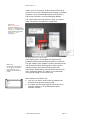
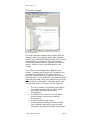
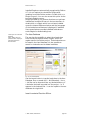
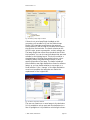
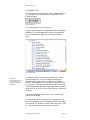
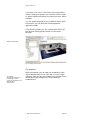
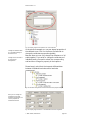
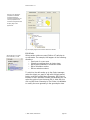
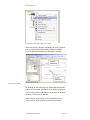
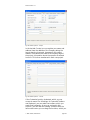
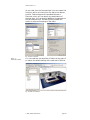
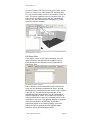
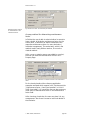
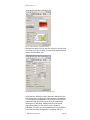
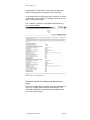
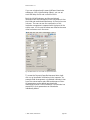
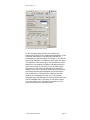
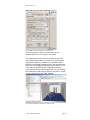
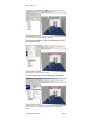
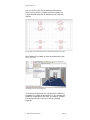
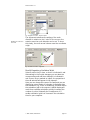
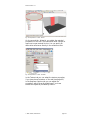
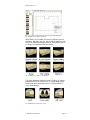
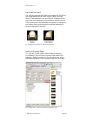
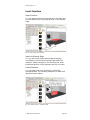
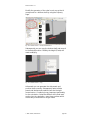
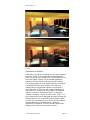
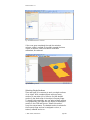
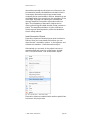
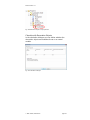
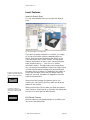
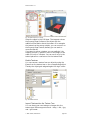
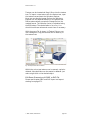
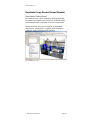
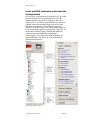
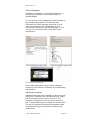
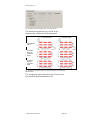
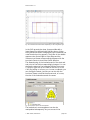
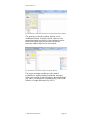
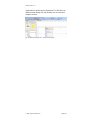
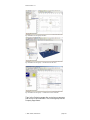
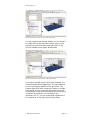
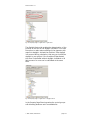
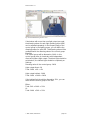
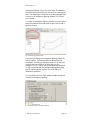
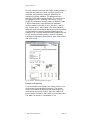
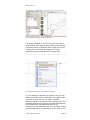
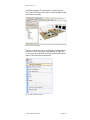
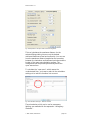
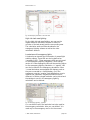
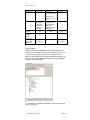
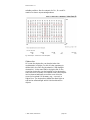
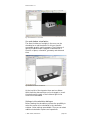
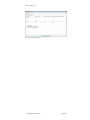
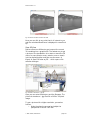
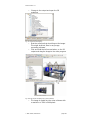
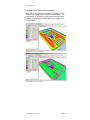
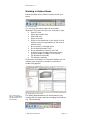
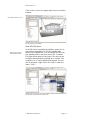
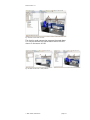
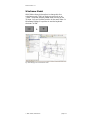
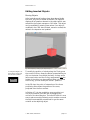
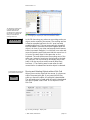
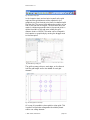
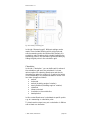
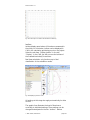
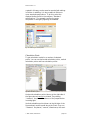
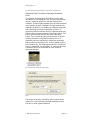
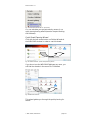
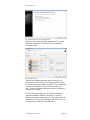
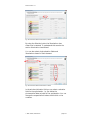
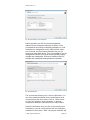
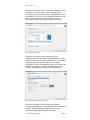
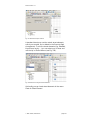
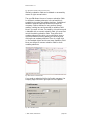
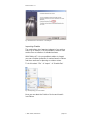
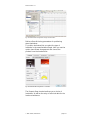
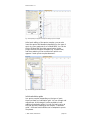
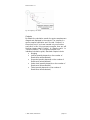
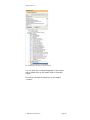
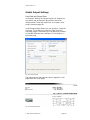
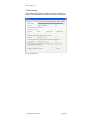
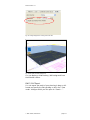
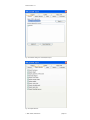
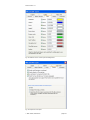
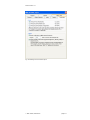
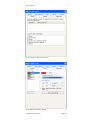
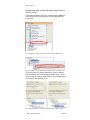
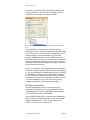
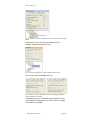
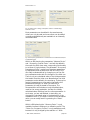
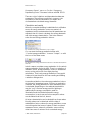
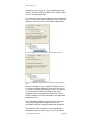
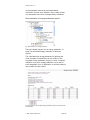
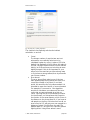
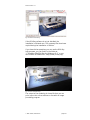
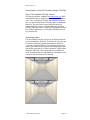
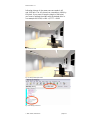
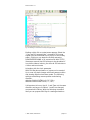
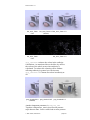
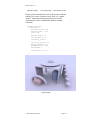
DIALux Version 4.7 Output Viewing Calculation Results After a calculation has been completed, DIALux shows the 3D display of the room. Project output can be viewed before or after a calculation. The output types which are not affected by the calculation results can be viewed at any time, for example the project cover sheet, luminaire parts lists, luminaire coordinates, room coordinates etc. Most output types need to be calculated first. If one of these output types is opened when there are no results yet, DIALux enquires whether the calculation should be performed. When you double-click on the desired page in the Project manager, it is displayed in the CAD window. DIALux differentiates between print output and monitor output. The monitor output enables experts to easily evaluate only the required information, without being limited by layout and page size. Big tables are displayed completely and can be viewed by scrolling. Here it is handy to use the middle mouse button. Fig. 426 Monitor output of a big table Scroll bars are located at the window edges. If you use the middle mouse button, the scroll icon appears and you can navigate by moving the mouse. You can use the print preview to view the printout on the monitor before it is printed. DIALux supports DIAL GmbH, Lüdenscheid page 261