1
8.4.2
Monitor Menu screen
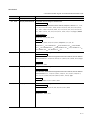
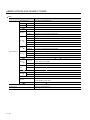
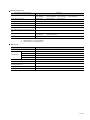
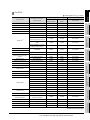
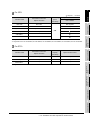
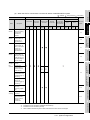
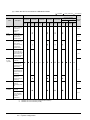
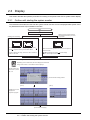
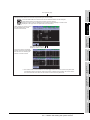
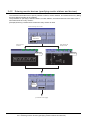
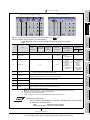
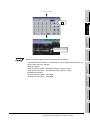
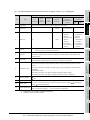
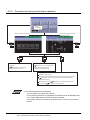
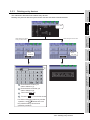
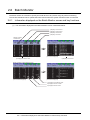
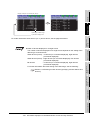
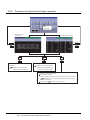
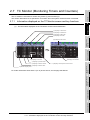
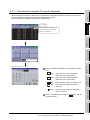
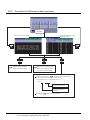
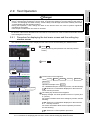
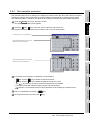
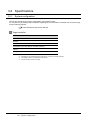
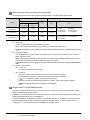
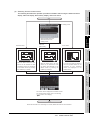
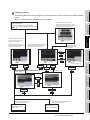
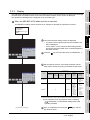
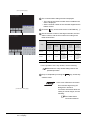
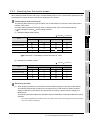
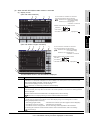
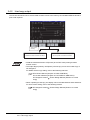
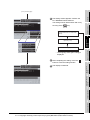
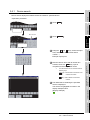
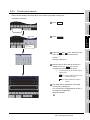
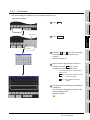
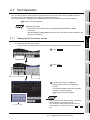
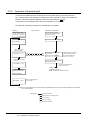
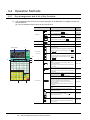
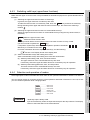
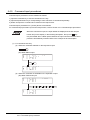
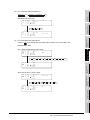
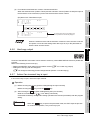
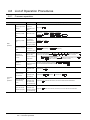
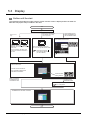
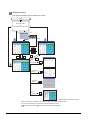
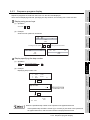
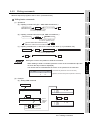
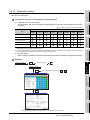
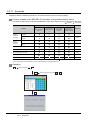
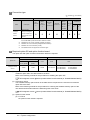
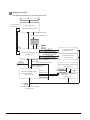
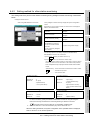
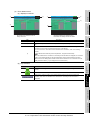
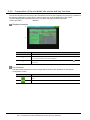
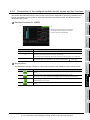
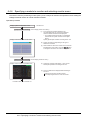
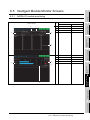
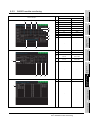
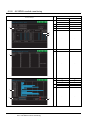
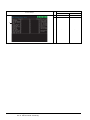
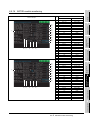
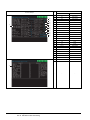
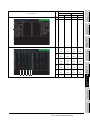
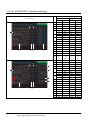
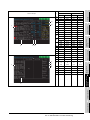
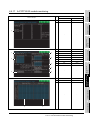
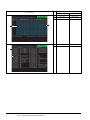
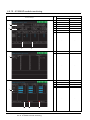
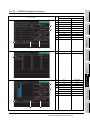
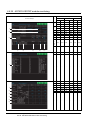
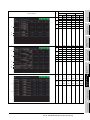
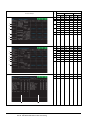
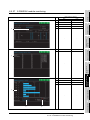
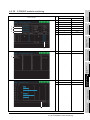
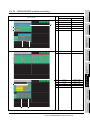
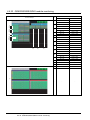
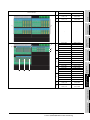
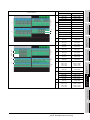
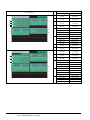
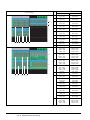
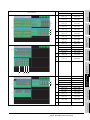
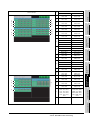
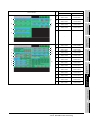
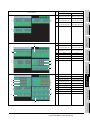
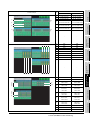
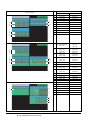
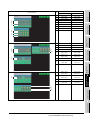
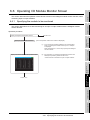
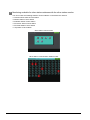
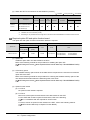
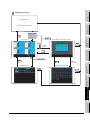
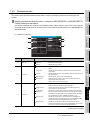
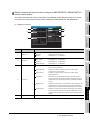
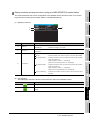
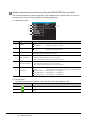
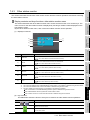
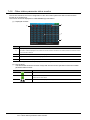
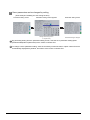
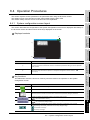
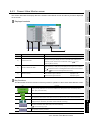
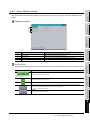
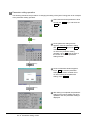
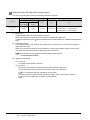
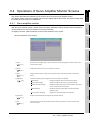
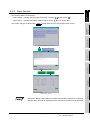
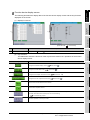
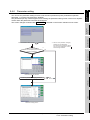
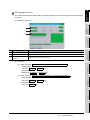
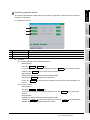
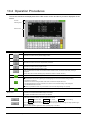
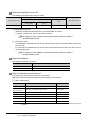
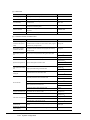
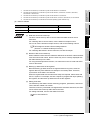
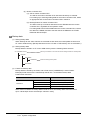
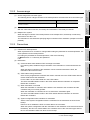
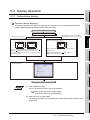
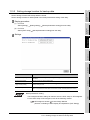
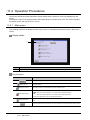
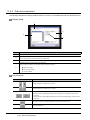
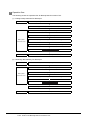
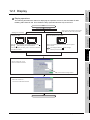
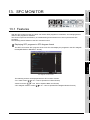
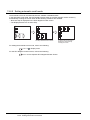
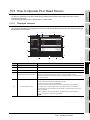
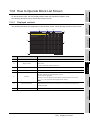
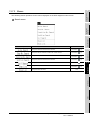
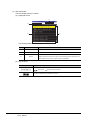
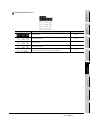
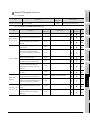
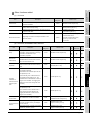
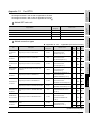
The Q motion monitor allows you to monitor various servo monitor data on multiple monitor screens.
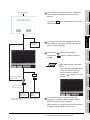
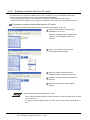
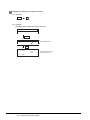
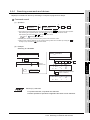
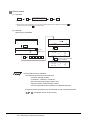
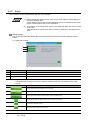
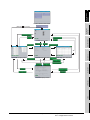
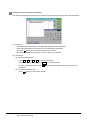
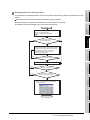
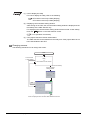
To display any of the monitor screens, make a selection on the monitor menu screen.
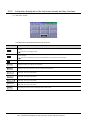
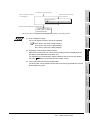
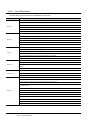
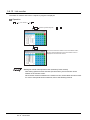
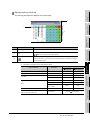
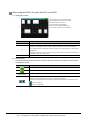
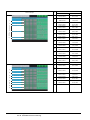
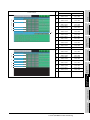
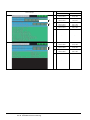
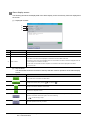
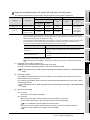
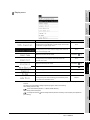
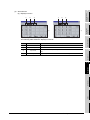
(Monitor menu screen)
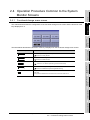
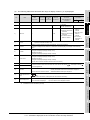
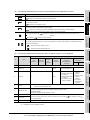
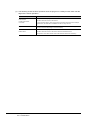
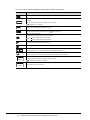
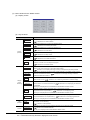
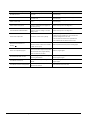
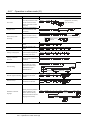
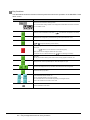
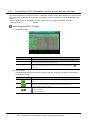
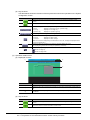
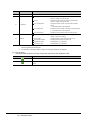
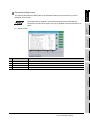
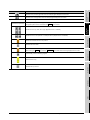
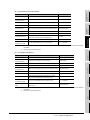
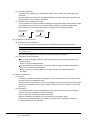
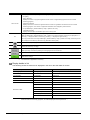
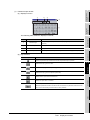
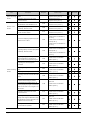
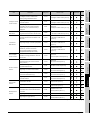
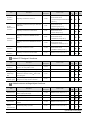
Item
Description
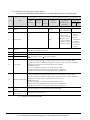
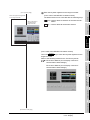
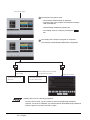
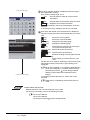
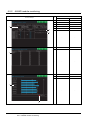
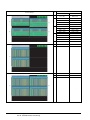
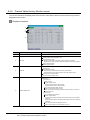
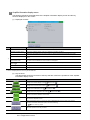
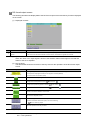
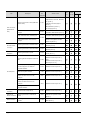
Monitors and displays the feed current values and actual current values of all running axes.
Present Value Mon.
(
8.4.3 Present Value Monitor screen)
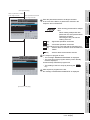
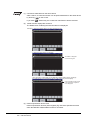
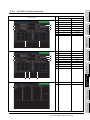
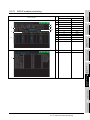
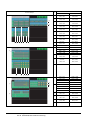
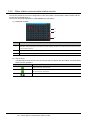
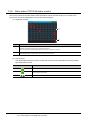
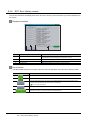
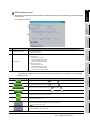
Displays the history of errors that occurred in SFC programs from when the motion CPU was powered on or
SFC Error History
reset. (
8.4.4 SFC Error History screen)
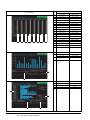
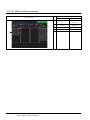
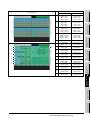
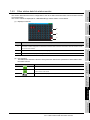
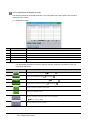
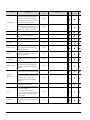
Displays the history of errors that occurred on and after the leading edge of PLC ready (M2000).
Error List
(
Error List Axis
8.4.5 Error List screen)
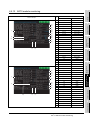
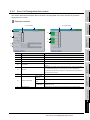
Displays the latest errors that occurred on the specified axis. (
8.4.6 Error List Designated-Axis
screen)
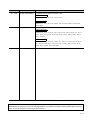
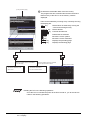
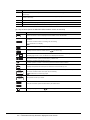
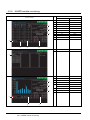
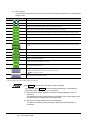
Positioning Monitor
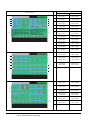
Monitors the details of the positioning data set to any axis. (
Servo Monitor
Monitors the servo monitor/servo amplifier. (
8.4.7 Positioning Monitor screen)
8.4.8 Servo Monitor screen)
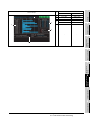
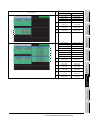
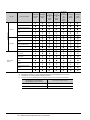
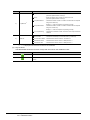
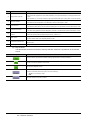
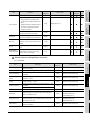
Displays the history of encoder present values, servo command values and monitor present values of the
Present Value Hist.
ABS axis at servo amplifier power-on/off or at home position return. (
Monitor screen)
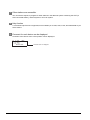
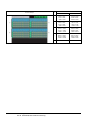
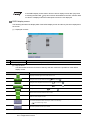
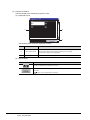
Not displayed when using the GT155
8 - 10
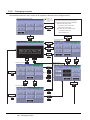
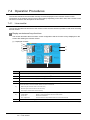
8.4 Operation Procedures
8.4.2 Monitor Menu screen
.
8.4.9 Present Value History